The 10 best SEO apps for Shopify in 2026
SEO Alpin, Smart SEO, Avada, Booster… the 10 best SEO apps for Shopify, what Shopify already does, its limits and how to choose an app for your ecommerce brand.
When you launch a Shopify store, the SEO question comes up fast. And when you search the App Store, you find dozens of apps that all promise to get you higher on Google.
Yet Shopify already does a good part of the work on its own. So before you install anything, we’ll explain what’s already in place, when an SEO app is worth it and how to choose one. Then we’ll show you our pick of the 10 best SEO apps for Shopify, with their prices and ratings.
Is Shopify good for SEO?
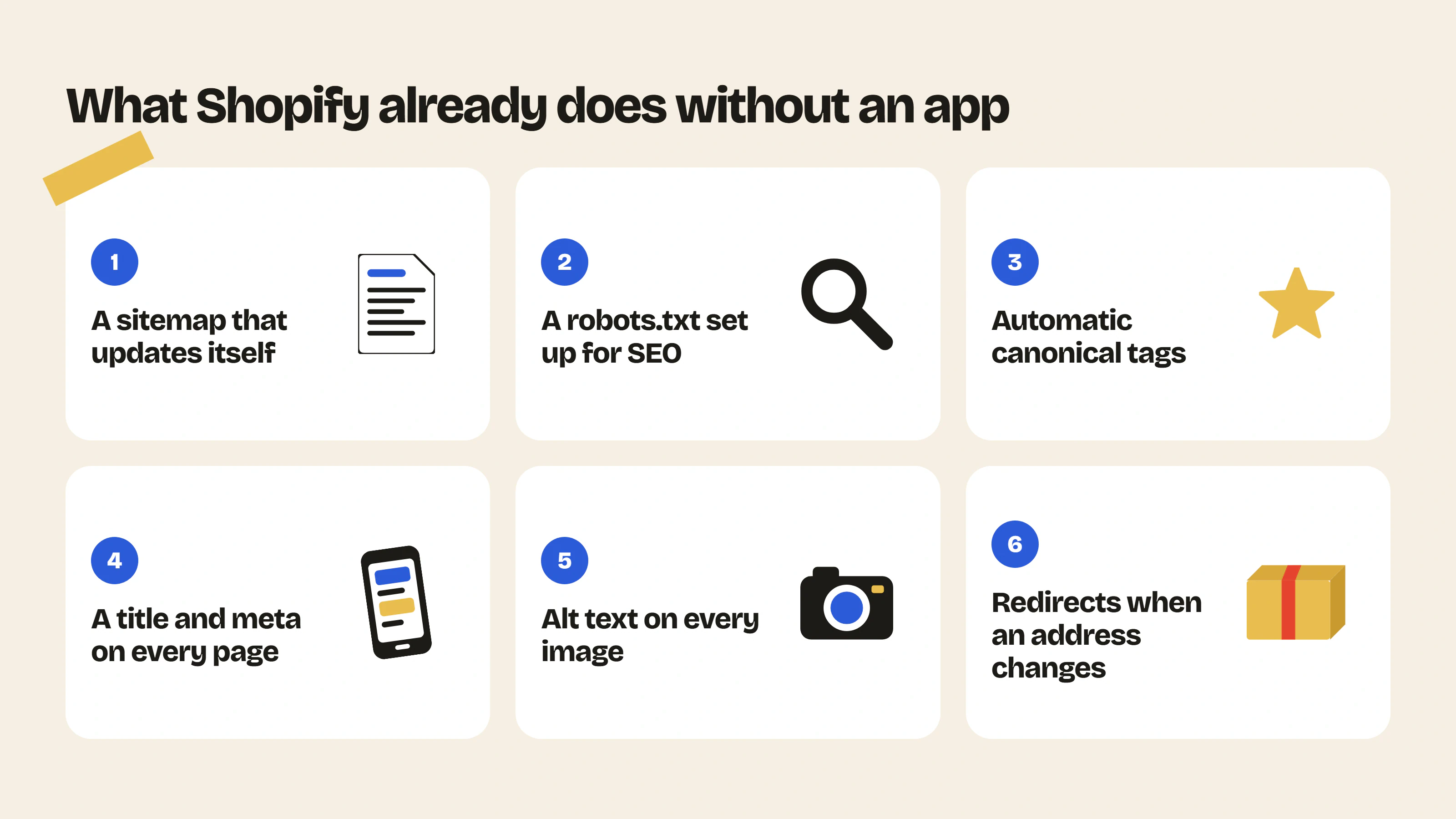
Yes, it often covers more than people think. Without any app, Shopify already takes care of these points (the details are in its help center):
- the sitemap, which lists your products, collections, pages and blog posts and updates itself;
- the robots.txt file, set up for search engines by default;
- canonical tags, added automatically so Google doesn’t see the same page twice;
- the title and meta description of every product, collection and page, which you can edit;
- the alt text of your images;
- URL redirects, offered automatically when you change a page’s address.
Your theme also adds structured data, meaning the information Google reads to show a product’s price or availability in its results.
So Shopify already does the basic work. But if you want to go further or have more options, an extra app can help.
And if you have around thirty products and you take the time to fill in every title and every alt text properly, you can optimize your Shopify store’s SEO without an app just fine.
Do you need an SEO app on Shopify?
An SEO app doesn’t do anything you couldn’t do by hand. Mostly, it saves you time and it spots problems you might not have noticed.
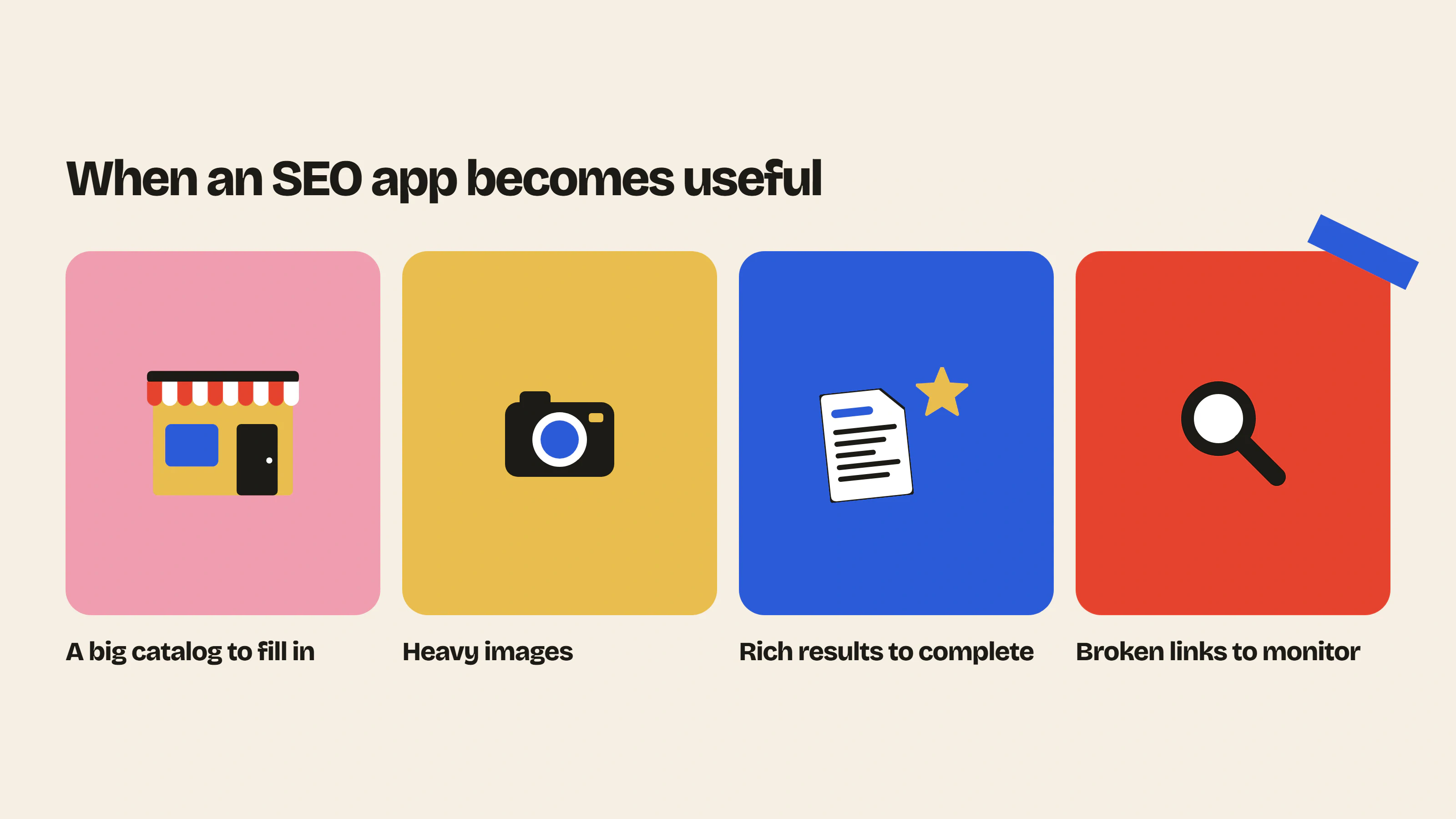
The first case is a big catalog. Filling in 800 meta descriptions one by one takes days, while some apps can do it in bulk.
Then there are images. A photo of several MB slows down your page and an app compresses it as soon as you add it to your store.
An app also becomes useful if you want richer search results than the ones your theme gives you (with reviews, breadcrumbs or videos), or if you change products often. In that case, broken links pile up fast and the app finds them for you.
And more simply, an app is worth it if you want to go further with your SEO or get more results than what Shopify gives you out of the box.
On the other hand, if your catalog is small and you keep it up to date yourself, you can start by properly filling in what Shopify already offers, without paying anything extra.
How do you choose an SEO app?
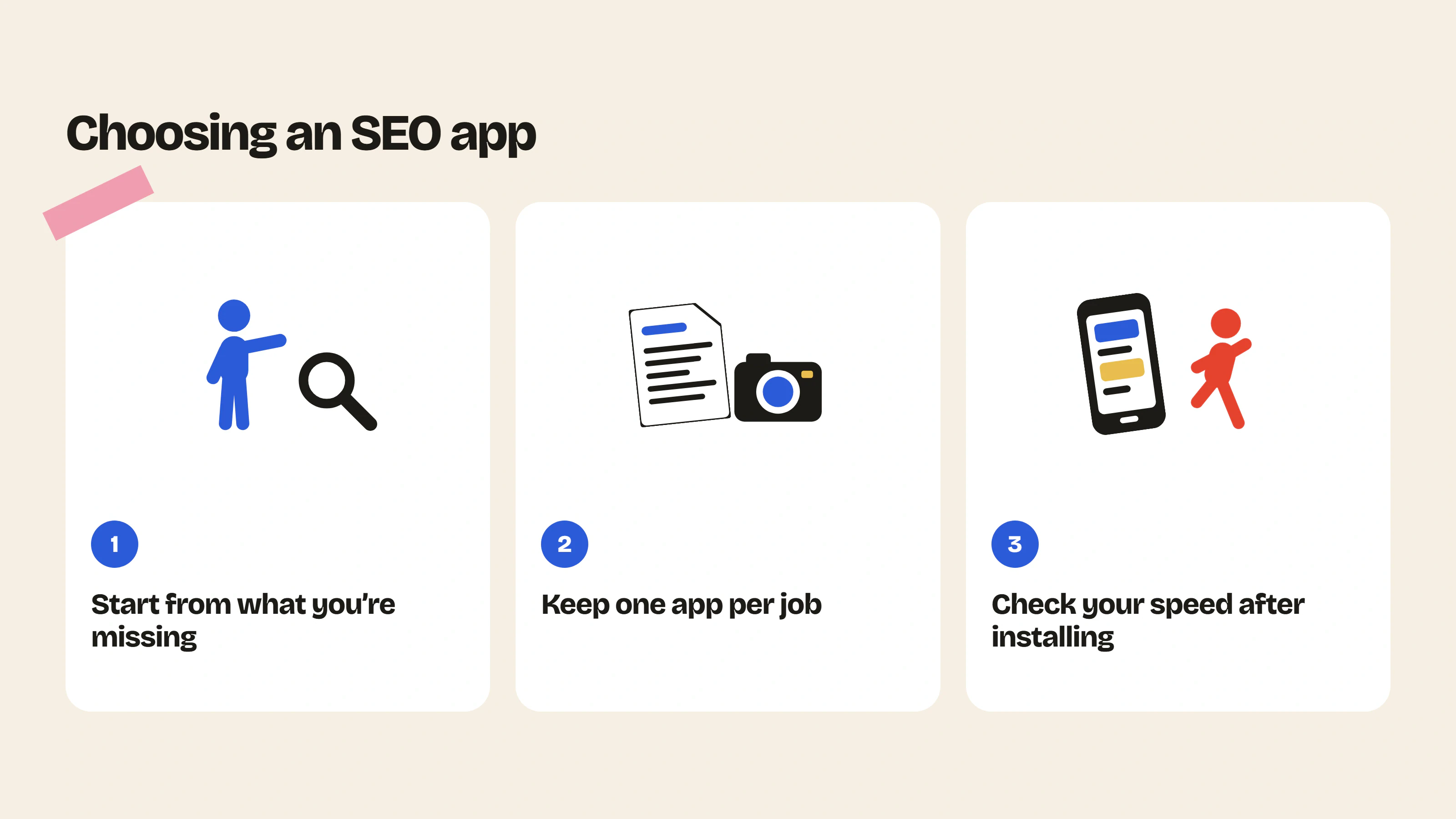
Most SEO apps do a bit of everything, so the simplest is to start from what you’re missing. If your problem is images, pick an image app.
We also recommend keeping one app per job. If two apps write the same structured data, you end up with duplicates in your pages’ code.
Speed matters too. Some apps add code to every page, so measure your store’s speed before and after installing (PageSpeed Insights does this very well). And since your theme plays a big part as well, you can check which theme the fast stores in your niche use with our Shopify theme detector. ShopThemeDetector also publishes a ranking of the fastest Shopify themes, based on the share of stores using each theme that pass Google’s Core Web Vitals on mobile.
For the rest, if you’re not comfortable in English, check that the app is translated into your language. Also look at the price after the free trial (some show a discounted first month). The “Built for Shopify” badge is a good sign too: Shopify gives it to apps that meet its quality, design and performance criteria.
The 10 best SEO apps for Shopify
We checked the ratings, review counts and prices on the Shopify App Store on 18 November 2026. Since they change often, take a look at the app’s listing before you install it.
1. SEO Alpin, our favorite
We like this one a lot. SEO Alpin is the newest app on the list (it came out in 2025).
It’s interesting because it deals with two problems the other apps on this list don’t talk about: duplicate content and cannibalization, meaning when two pages of your store compete for the same Google search. It also helps you create links between your pages (internal linking).
The free plan already includes image compression, bulk alt text and the connection to Search Console and GA4. The Pro plan, at $19.99 per month, adds keyword research with search volume and difficulty. And the Max plan ($59.99 per month) writes up to 15 blog posts per month.
Since it’s young, it only has 8 reviews so far, all 5 out of 5. The app is in French and translated into English.
See SEO Alpin on the App Store
2. Smart SEO
Smart SEO is the app we recommend if you want your SEO to move forward without spending your evenings on it. It’s also one of the best rated on the App Store, with 5 out of 5 from 959 reviews.
It writes your meta tags and alt text with AI, adds structured data and finds broken links. It also lets Bing and compatible search engines know as soon as a page changes (thanks to IndexNow, for the curious).
There’s a free plan to try it out, then the Pro plan is $14.99 per month.
See Smart SEO on the App Store
3. Avada AI SEO Visibility
If you’d rather have everything in one place, take a look at Avada. Audit, AI meta tags and alt text, broken links, redirects, sitemap, robots.txt, structured data, speed… the list is long. With 4,687 reviews and a 4.9 rating, it’s also one of the most used.
The free plan is already well stocked (100 optimized images, 20 audits and basic structured data) and the Pro plan costs $34.95 per month.
4. Booster AI SEO
Booster is the “autopilot” option. It fixes the SEO problems it finds on its own, compresses your images, finds broken links and fills in your meta tags. It’s very handy when you’re short on time, but we still recommend keeping an eye on what it changes in your product pages.
With 5,484 reviews (and a 4.8 rating), it’s the app with the most reviews on this list. After the free plan, expect to pay $39 per month for the Pro plan.
5. SearchPie
SearchPie is strongest on structured data, for your products, your FAQ and your breadcrumbs. It also handles 404 errors, the sitemap and speed. And it lets you know when Search Console or Merchant Center reports a problem.
Quick note, its address on the App Store is “seo-booster”, but it has nothing to do with Booster. After the free plan, the Premium plan costs $39 per month.
And if you don’t have an FAQ on your store yet, we compared the options in our article on Shopify FAQ apps.
See SearchPie on the App Store
6. Tiny SEO
If your pages are slow, we’d start with Tiny SEO. It’s first of all an image app: it compresses your photos, fills in alt text and file names, slims down your pages’ code and only loads images when they come into view.
It also handles redirects, broken links and structured data. The free plan optimizes 50 images per month, then the Beginner plan is $14 per month.
7. StoreSEO
With StoreSEO, you see your titles and descriptions the way they’ll appear in Google before you publish them. It’s pretty handy to avoid cut-off text. It also adds structured data (FAQ included) and its Advanced plan handles SEO in several languages.
Just watch out for the price: the Lite plan is $3.99 for the first month, then it goes up to $19.99 per month. The free plan covers 25 products.
8. Plug in SEO
Plug in SEO is the old-timer of the list, it’s been around since 2011. We recommend it if you want an audit of your store and want to stay in control of what gets fixed. You then edit alt text, file names, URLs and meta tags in bulk.
There’s no free plan, but the first plan only costs $4.99 per month.
See Plug in SEO on the App Store
9. Yoast SEO
If you come from WordPress, Yoast will definitely ring a bell. In fact, a lot of merchants look for an “SEO plugin” for Shopify, when here we talk about apps. The Shopify version brings over the readability analysis of your texts and adds AI suggestions for titles and meta, structured data for your products and an llms.txt file for AI.
On the downside, it costs $19 per month with no free plan, it’s only available in English and its rating (4.3 from 173 reviews) is the lowest in our selection.
See Yoast SEO on the App Store
10. JSON-LD for SEO
JSON-LD for SEO only takes care of one thing, structured data. That’s what lets Google show your review stars, the price or the availability of your products right in its results.
It covers products, reviews, articles, breadcrumbs, FAQ and videos. We mostly recommend it to stores that already have lots of reviews and want to see them in Google. Expect to pay $399 per year for an app in English.
See JSON-LD for SEO on the App Store
The summary table
To compare at a glance:
| App | Free plan | Starting price | Rating (reviews) | Built for Shopify | Languages |
|---|---|---|---|---|---|
| SEO Alpin | Yes | $19.99 per month | 5 (8) | No | 2 |
| Smart SEO | Yes | $14.99 per month | 5 (959) | Yes | 20 |
| Avada | Yes | $34.95 per month | 4.9 (4,687) | Yes | 14 |
| Booster | Yes | $39 per month | 4.8 (5,484) | No | 10 |
| SearchPie | Yes | $39 per month | 4.9 (2,459) | Yes | 18 |
| Tiny SEO | Yes | $14 per month | 5 (2,599) | Yes | 16 |
| StoreSEO | Yes | $19.99 per month ($3.99 the first month) | 5 (773) | Yes | 11 |
| Plug in SEO | No | $4.99 per month | 4.6 (676) | Yes | 4 |
| Yoast SEO | No | $19 per month | 4.3 (173) | No | 1 (English) |
| JSON-LD for SEO | No | $399 per year | 4.9 (442) | No | 1 (English) |
Which SEO app should you choose for your store?
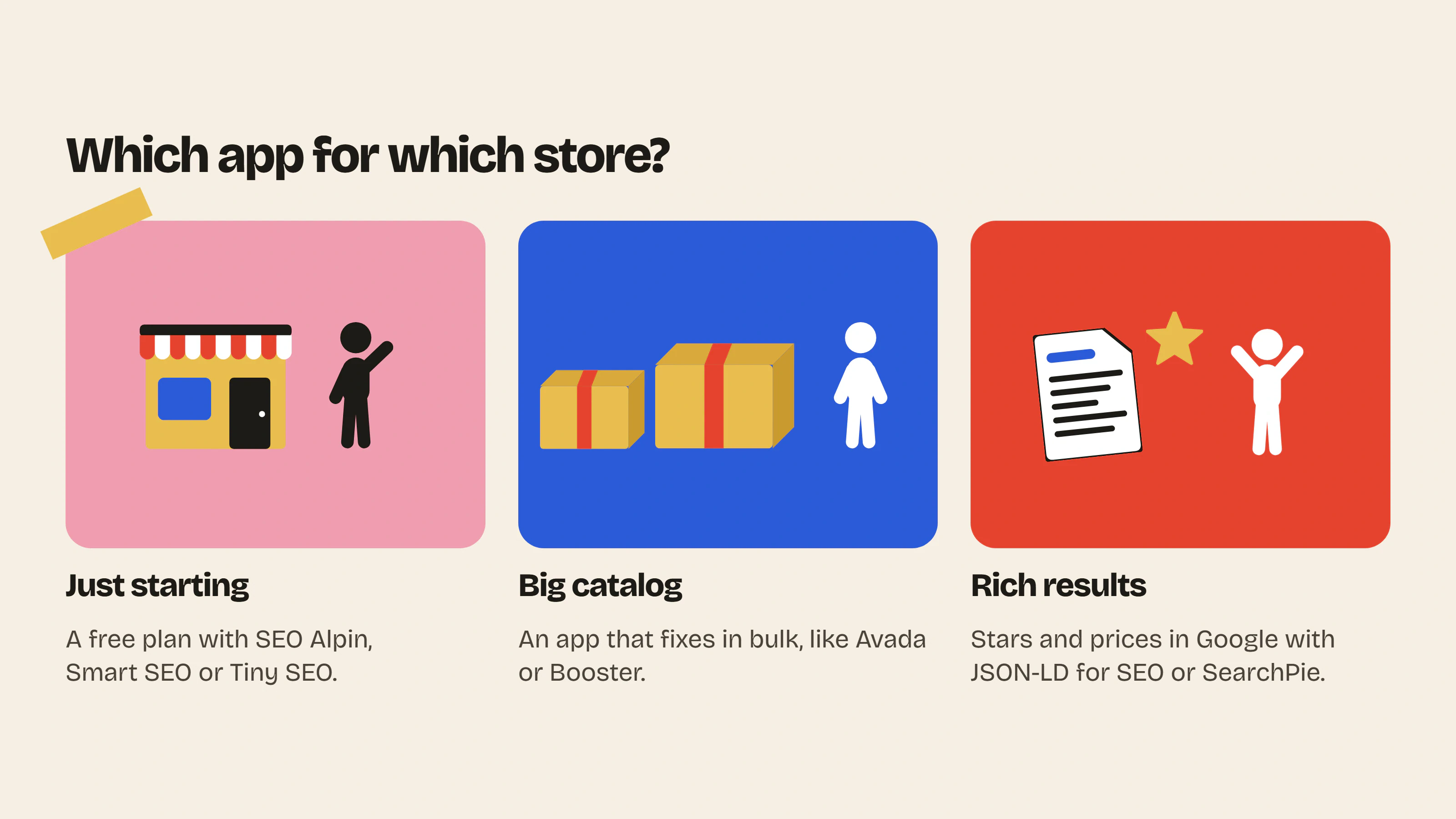
If you’re still unsure, here’s what we’d recommend depending on your situation.
| Your store | Our advice | Why? |
|---|---|---|
| You’re starting out on a small budget | SEO Alpin, Smart SEO or Tiny SEO on the free plan | Their free plans already cover the basics |
| You want to track your keywords and internal linking | SEO Alpin | Keyword research, cannibalization and internal linking in one app |
| You have a big catalog | Avada or Booster | They fix your product pages in bulk |
| Your images are heavy | Tiny SEO or Crush | Automatic compression and alt text |
| You want stars and prices in Google | JSON-LD for SEO or SearchPie | The most complete structured data |
| You come from WordPress | Yoast SEO | You’ll find your bearings right away |
Crush isn’t in our top 10 because it only handles images, but it gets very good feedback (4.8 out of 5 from 454 reviews, from $4.99 per month).
And if you’re curious about which apps your competitors use, run their store through our Shopify app detector.
Either way, start by filling in what Shopify gives you, beginning with a description on every product page.
What about SEO for ChatGPT and AI?
You’ve probably noticed that almost all these apps now talk about AEO or GEO. The idea is to get cited by ChatGPT, Perplexity or Google’s AI answers.
In practice, they mostly add clean structured data and, for Yoast or SearchPie, an llms.txt file that presents your store to AI. For the rest, AI tools look for pretty much the same thing as Google: clear pages, accurate information and answers to your customers’ questions.
How does Insider Club help your SEO?
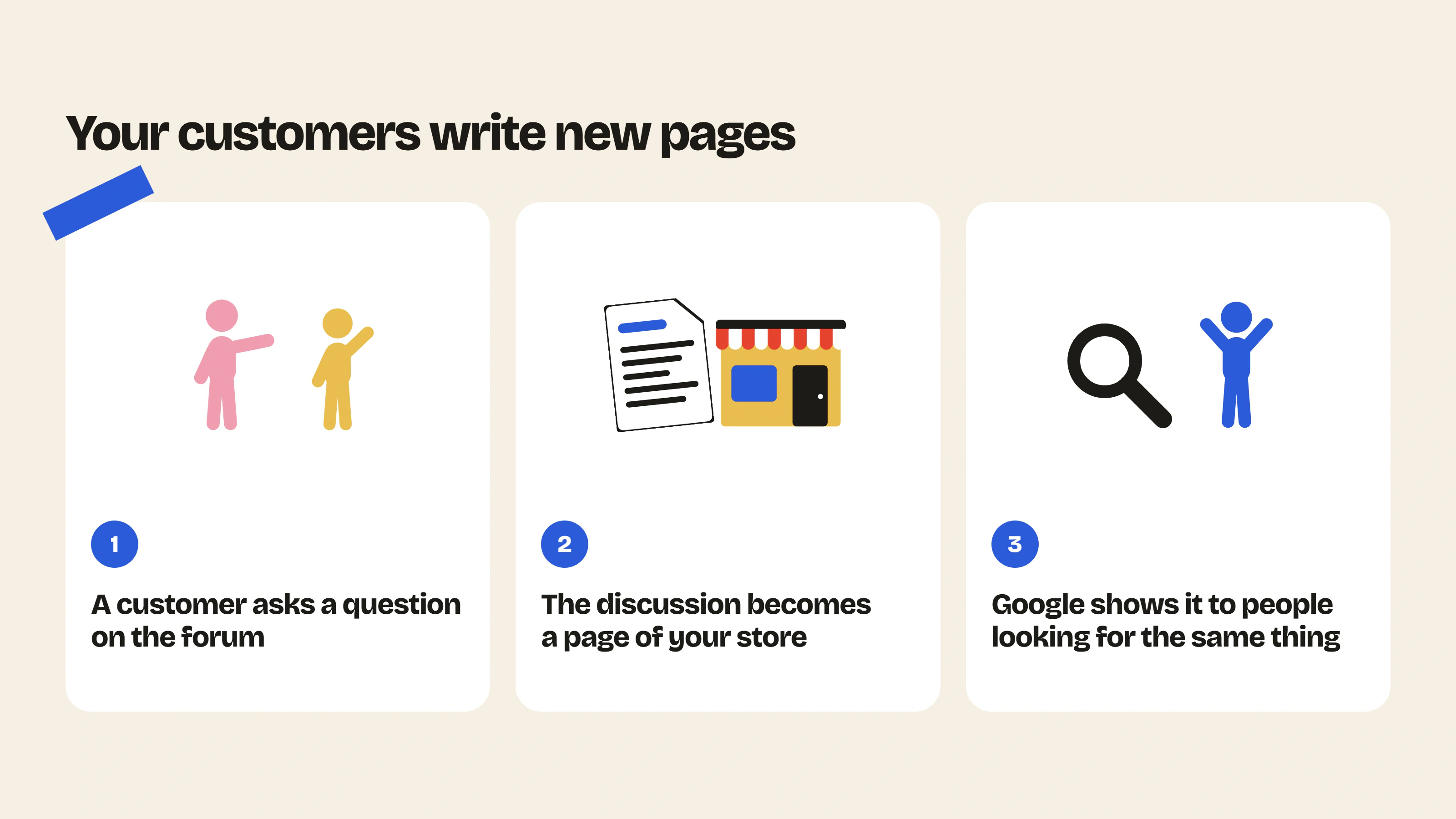
An SEO app improves the pages you already have. Apart from the AI-written blog posts in some plans, it doesn’t create new ones.
That’s where a forum gets interesting, because your customers do the writing. One customer asks if a product suits sensitive skin, another one answers her and the discussion becomes a page of your store, indexed by Google. And on top of that, it uses the exact words of the people searching for the same thing.
That’s what Insider Club, our app, does. It’s a forum in your colors, added to your store, where your customers ask their questions and answer each other. If you want to dig deeper, we explain why this content created by your customers helps your SEO (and under what conditions). We also compared forum apps for Shopify if you want to see the other options.
Insider Club has a free plan, then the Growth plan at $19.99 per month with a 14-day trial. All the details are on the pricing and features pages.
FAQ
Does Shopify have a free SEO app?
No, Shopify doesn’t have its own SEO app, but the basic features are already built into your store (sitemap, robots.txt, canonical tags, titles and meta). And if you want to go further without paying, SEO Alpin, Smart SEO, Avada, Booster, SearchPie, Tiny SEO and StoreSEO all have a free plan.
Can you install several SEO apps?
Yes, several SEO apps can run on the same Shopify store, as long as they have different jobs. For example, an image app and a structured data app. But avoid two apps that do the same thing, or you could end up with duplicate information in your pages.
Does an SEO app slow down your store?
It depends. An app that adds code to your pages can slow them down, while an app that compresses your images will tend to speed them up. The simplest is to measure the speed before and after installing.
Is Yoast SEO available on Shopify?
Yes, since 2021. It costs $19 per month with a 14-day trial and it’s only available in English.
- Shopify app detectorSpot the apps installed on a Shopify store, grouped by category: email, reviews, loyalty, chat, subscriptions…Use the tool – Shopify app detector
- Shopify theme detectorFind out the theme of any Shopify store, even if renamed: original name, version, official or custom theme.Use the tool – Shopify theme detector
 Install on Shopify