User-generated content: an underrated SEO lever
Your customers’ discussions are original content, in the language of your prospects. Here is how a forum improves your rankings and which mistakes to avoid.

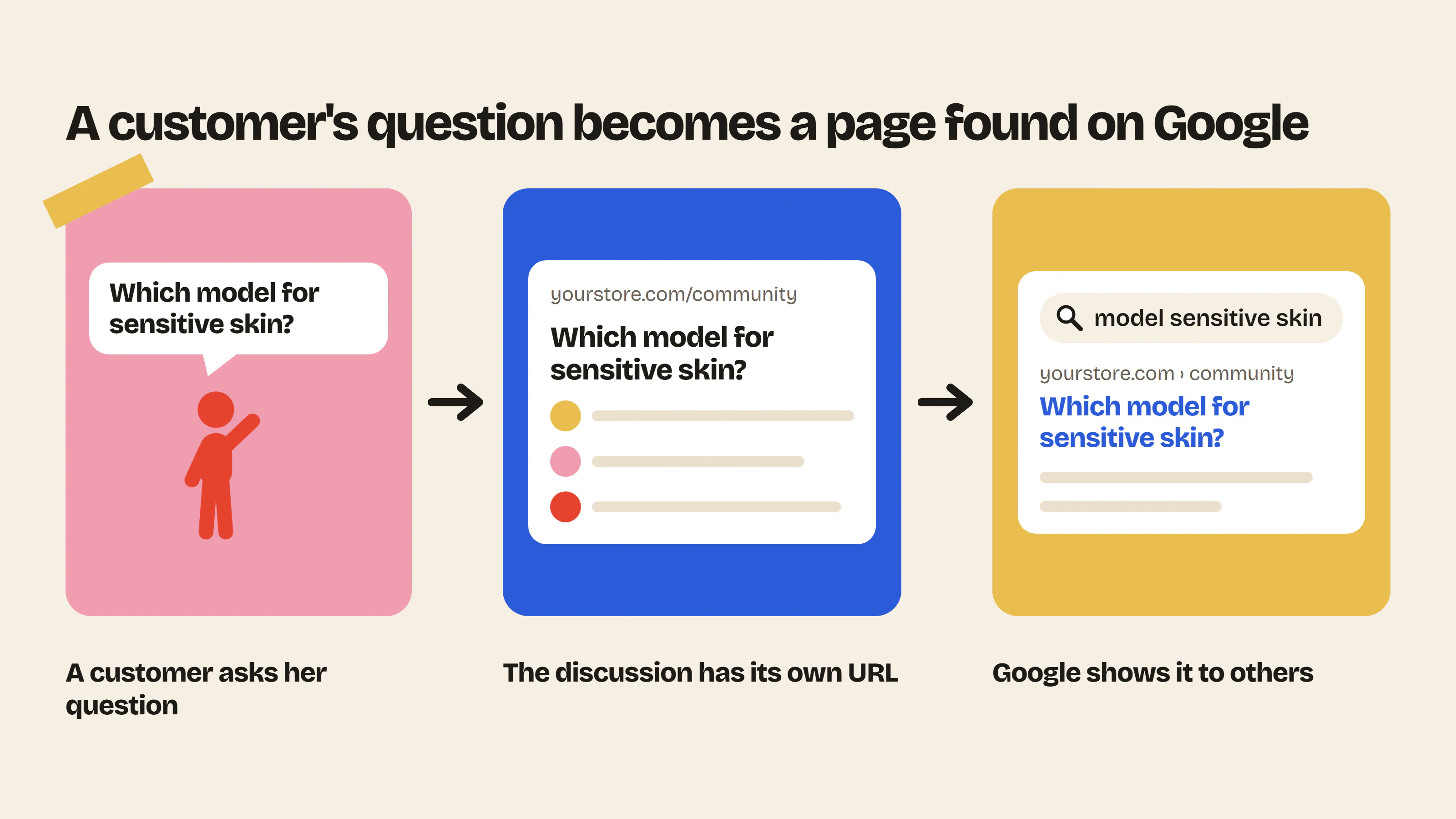
Writing blog posts takes up a lot of a brand’s time, while its customers write about its products every day for free. Their wording is often closer to what people search for, because they use the exact words typed by people who do not know the brand yet.
What Google is looking for
Google favors content that answers a question people are asking, written by someone who knows the topic from experience. A customer explaining how she matched two products, or why she chose one model over another, meets both criteria.
Customer reviews work the same way. A review app like Quoli displays them on every product page.
The conditions for it to work
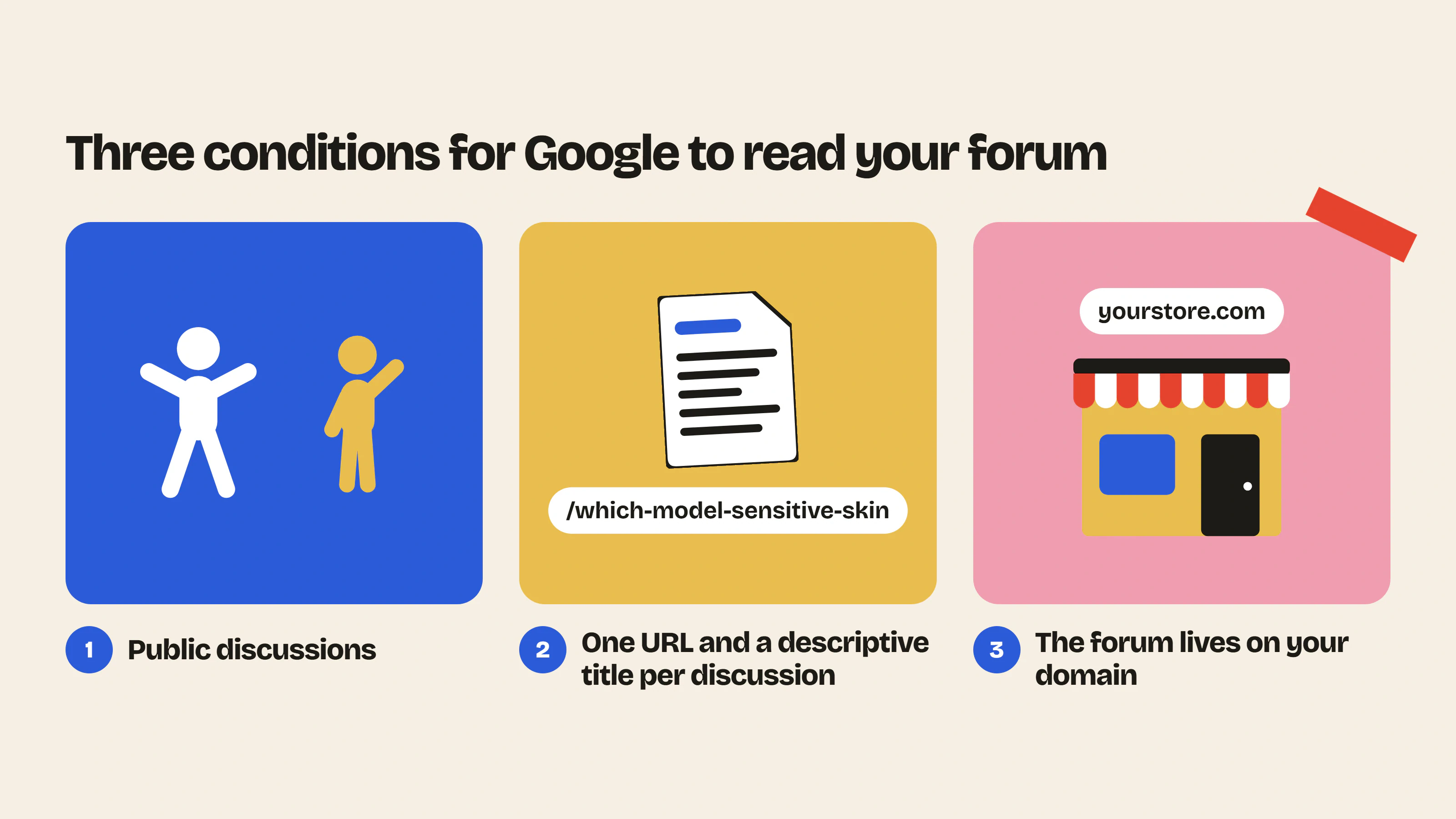
A forum only helps your rankings if Google can read it. Discussions therefore have to be public, because a category restricted to logged-in members is not indexed. Put behind the login only the categories that need to stay private and leave the others public.
Each discussion needs its own URL and a descriptive title. “Question” is not a title, while “Which model to choose for sensitive skin” is one. And the forum has to live on your domain rather than on a vendor’s subdomain, since your site is the one that should collect the authority.
The classic mistakes
Letting spam through is a costly mistake, because a few shady links are enough to discredit the whole forum. That is why automatic moderation is a must.
Creating thirty empty categories is another common mistake. With three categories, the first posts end up in the same place and the forum looks active sooner. And when the brand never answers, members stop posting and the community fades out within a few weeks.
Measuring
In Google Search Console, filter the URLs that contain your forum’s path. After a few weeks, queries appear that you would never have targeted on purpose. These are the searches the forum brings in and that your own pages would not have reached.
To go further, read our guide to building a brand community, why add a forum to your Shopify store, our guide to the 5 types of content that keep an e-commerce community alive and the page that presents all the forum features.
- Community previewPaste your store URL and see what your forum would look like, with your colors and your products.Use the tool – Community preview
- Customer support cost savings calculatorThe hours and dollars saved when your community answers your customers' repetitive questions.Use the tool – Customer support cost savings calculator



 Install on Shopify