The best Shopify FAQ apps to create your FAQ page
HelpCenter, EasyFAQ, FAQuly, Insider Club: the best Shopify FAQ apps to create an FAQ page on your store, with their features and pricing.

A good FAQ answers your customers’ questions before they contact you. It reassures hesitant visitors and lightens the load on your customer service team. On Shopify, there are several options, from a simple native page to a forum where customers answer each other. Here’s how to choose, followed by our pick of the best Shopify FAQ apps available on the App Store.
Do you need an app to create an FAQ?
Not necessarily. Most recent Shopify themes let you create an FAQ page with collapsible sections, no app required. An app becomes useful when you want search, display on product pages, analytics, multiple languages or a more complete help center.
The 5 types of solutions
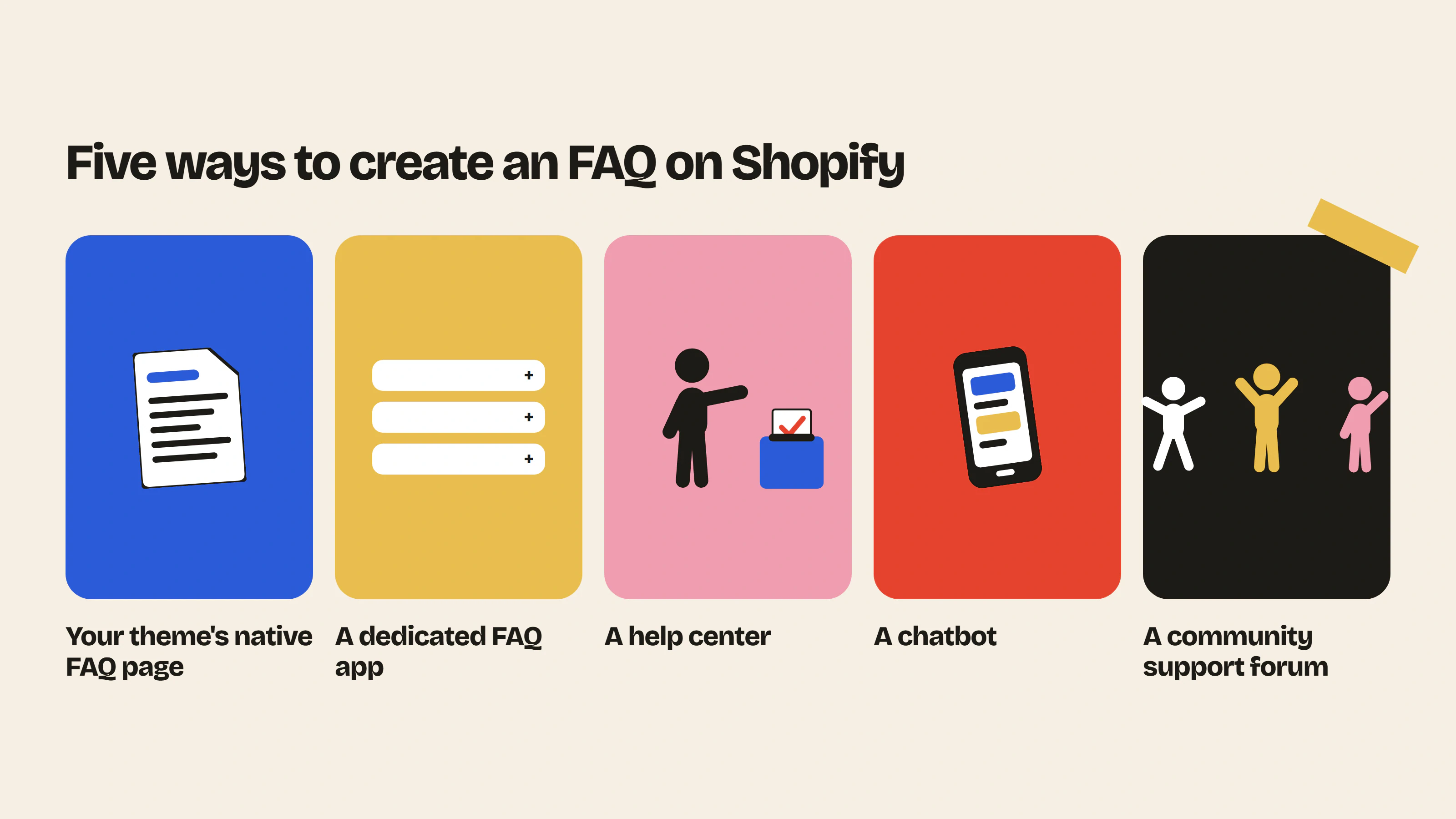
1. Your theme’s native FAQ page
Create a page and add a collapsible content or FAQ section from the theme editor.
Pros: free and quick to set up.
Cons: no search or analytics, and limited features.
2. A dedicated FAQ app
The App Store offers several specialized apps that add an FAQ with categories, search and display on product pages.
Pros: a polished layout and organization by topic.
Cons: the FAQ only covers the questions you’ve anticipated and has to be updated by hand.
3. A help center built into your support tool
Customer service tools like Gorgias offer a help center connected to your tickets. You can see which questions keep coming up and expand your FAQ accordingly.
Pros: a direct link with real customer requests.
Cons: mostly relevant if you already use the tool.
4. A chatbot
A chatbot like Tidio’s automatically answers common questions in a chat window.
Pros: an instant answer, at any time of day.
Cons: answers can lack nuance on complex questions and aren’t visible to Google.
5. A community support forum
A forum turns your FAQ into a living space. Customers ask their questions, other customers or your team answer them, and every answer stays visible for those who come next. Insider Club, our app, works this way.
Pros: the FAQ grows on its own and answers stay visible for the customers who come next.
Cons: paid, and requires a little setup at the start.
The best Shopify FAQ apps on the App Store
Features and prices checked on the Shopify App Store on 21 October 2026; they may change, so check each app’s listing before choosing.
1. Insider Club, the FAQ your customers help write
One important note: Insider Club is our own app. It isn’t a classic FAQ but a forum built into your store that works as a living FAQ. Instead of trying to anticipate every question, you let customers ask their own, and the best answers become a lasting resource.
Main features:
- Forum built into your Shopify theme, in your colors and fonts.
- Automatic sign-up for customers logged in with their Shopify account.
- Most-liked comments shown at the top of each discussion.
- Categories by topic (shipping, sizing, how to use, returns), public or reserved for your customers.
- Discussions hosted on your Shopify store, public or password-protected.
- Email notification as soon as a customer gets a reply.
- Direct links to the products mentioned in discussions.
- Automatic moderation with spam detection, banned words, reports and bans.
- Dashboard in the Shopify admin to see which topics keep coming up.
Why it’s different: a classic FAQ answers the questions you already know about. Insider Club also answers the ones you didn’t anticipate, often thanks to other customers, and every new discussion enriches the FAQ for those who come next.
Price: Free plan, then Growth plan at $19.99 per month or $199 per year, with a 14-day free trial.
Discover Insider Club and start the free trial
2. HelpCenter (SB: Helpdesk, Live Chat & FAQs)
HelpCenter, developed by Shark Byte, is one of the oldest and most widely used FAQ apps on Shopify. It combines an FAQ page, a ticketing system and live chat.
Main features:
- FAQ page customizable to match your brand.
- AI-assisted FAQ.
- Helpdesk with ticket management.
- Live chat and a unified inbox (email, chat, Messenger).
- Product tabs and FAQ translation on higher plans.
Best for: stores that want an FAQ and a first support tool in the same app.
Price: free plan with 5 FAQ articles and 10 tickets per month. Paid plans from $5.99 per month according to published information, with more tickets and translations as you move up.
Discover HelpCenter on the Shopify App Store
3. EasyFAQ (Product FAQ Builder)
EasyFAQ, developed by Softmotive Infotech, lets you create FAQs for each product and for your whole store, then display them wherever you want.
Main features:
- Product FAQs and general store FAQs.
- Display on product pages, collections or any page using app blocks.
- Dedicated FAQ pages with ready-to-use templates.
- FAQ schema for Google.
- AI-generated FAQs and unlimited FAQs on the Pro plan.
Best for: stores that want to start a product and store FAQ for free.
Price: free plan (up to 10 store FAQs and 5 per product), Pro plan at $3.99 per month according to the App Store.
Discover EasyFAQ on the Shopify App Store
4. FAQ & Accordion Pro
FAQ & Accordion Pro adds fully customizable accordion FAQ sections directly into your theme.
Main features:
- Unlimited FAQs on the paid plan, with several accordion styles.
- Colors, styles and behavior you can adjust without code.
- Automatic JSON-LD markup.
- Native integration through app blocks.
- Multilingual support and accessibility.
Best for: stores that want polished accordions on their pages and product pages.
Price: free plan limited to 1 FAQ, free trial of the paid plan.
Discover FAQ & Accordion Pro on the Shopify App Store
5. FAQuly
FAQuly uses AI to generate structured FAQs from the content of your pages.
Main features:
- FAQ generation from any URL.
- Review and editing before publishing.
- Draft management and publishing to your store.
- 30 generations per month on the starter plan, more on higher plans.
Best for: brands that want to quickly create a first FAQ from their product pages.
Price: from $9 per month, free trial available.
Discover FAQuly on the Shopify App Store
6. Entrfy, Product FAQ Creator
Entrfy specializes in product-specific FAQs.
Main features:
- Custom FAQs for each product.
- Design customizable to match your brand.
- Management from the Shopify admin.
- Multilingual support.
- Plans based on the number of FAQ views.
Best for: catalogs where each product raises different questions.
Price: based on monthly views, to be checked on the App Store listing.
Discover Entrfy on the Shopify App Store
Summary table
| App | Type | Key features | Starting price |
|---|---|---|---|
| Insider Club | Community support forum | Living FAQ, customer answers, notifications | Free, then $19.99 per month |
| HelpCenter | FAQ and helpdesk | FAQ, tickets, live chat, AI | Free, then $5.99 per month |
| EasyFAQ | Dedicated FAQ | Product and store FAQs, app blocks, FAQ schema, AI | Free, then $3.99 per month |
| FAQ & Accordion Pro | Dedicated FAQ | Customizable accordions, JSON-LD, multilingual | Free (1 FAQ) |
| FAQuly | AI-generated FAQ | Generation from a URL, review | $9 per month |
| Entrfy | Product FAQ | FAQ per product page, multilingual | Based on views |
The solutions compared
| Solution | Cost | Updates |
|---|---|---|
| Native page | Free | Manual |
| FAQ app | Free to subscription | Manual |
| Help center | Included in the support tool | Manual |
| Chatbot | Subscription | Manual |
| Community support forum | Free to subscription | Automatic, thanks to customers |
A word on FAQ markup. Several apps add FAQ schema to your pages. It helps Google understand your content, but since 2023 Google only shows FAQ rich results for a limited number of authoritative sites. So don’t choose an app for this feature alone.
Classic FAQ or forum: which should you choose?
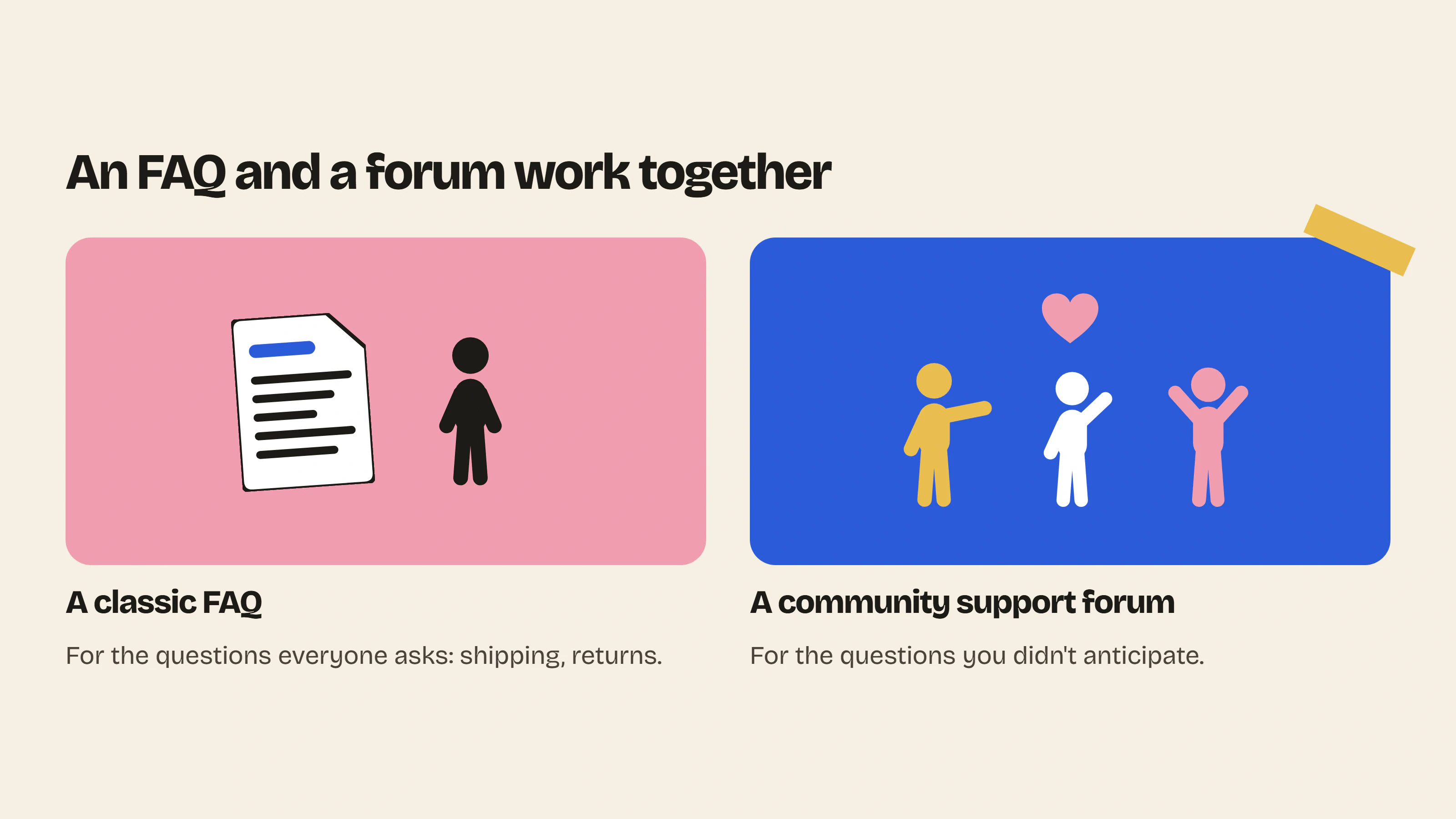
The two work together. An FAQ app is a good fit for the questions everyone asks, such as shipping times or the return policy. A forum like Insider Club takes over for everything else, meaning specific questions about how to use a product, sizing or product combinations. Customers find an answer even when you hadn’t planned for the question, and your team no longer has to answer the same question ten times.
How to write a good FAQ
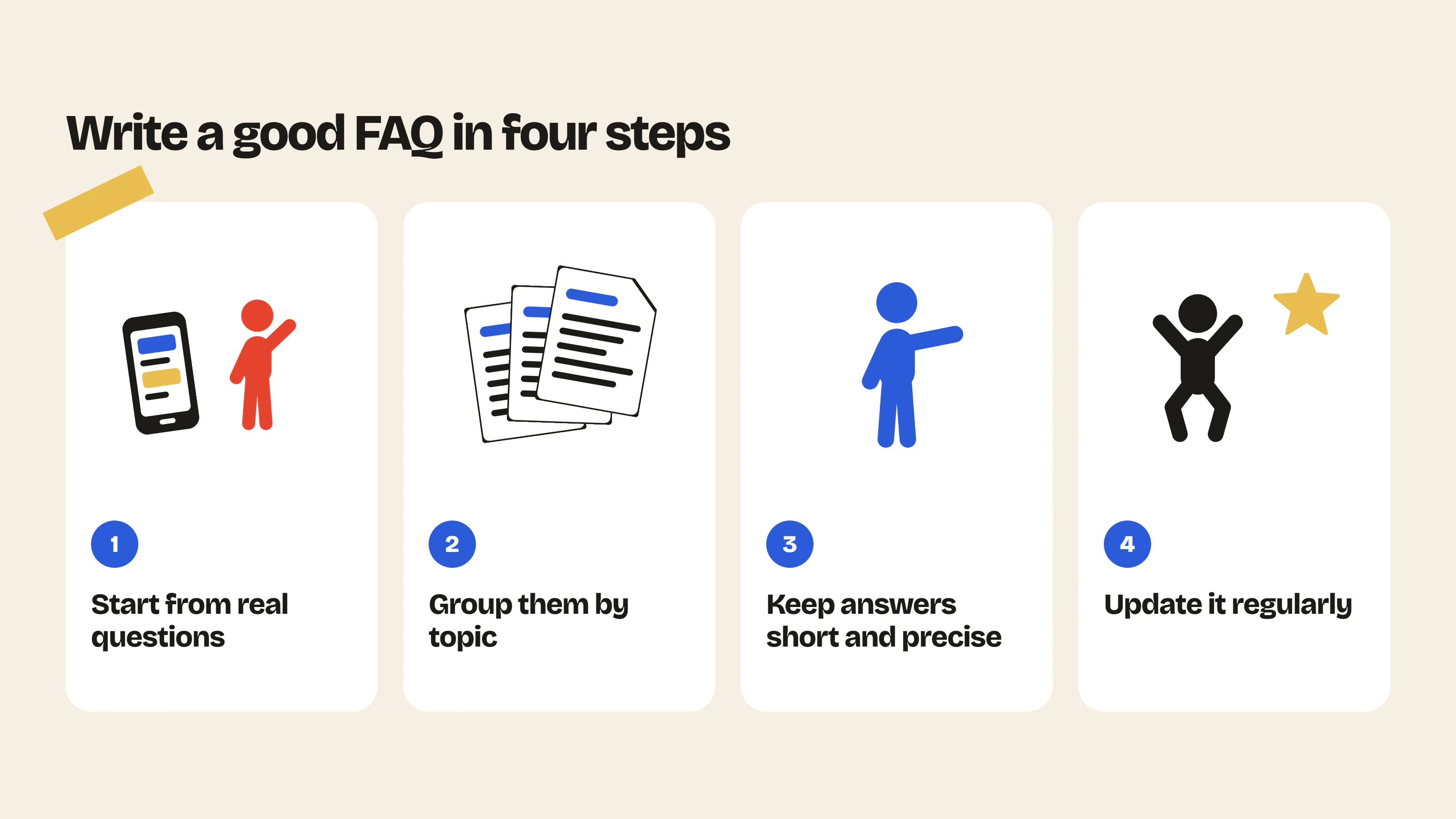
- Start from real questions you receive by email, in messages and through support.
- Group them by topic, such as shipping, returns, sizing or how to use.
- Keep answers short and precise, with a link to the detailed page if needed.
- Update it regularly based on new requests.
FAQ
How do I create an FAQ on Shopify without an app?
Create a page and add an FAQ section to it from your theme editor.
What is the best FAQ app for Shopify?
It depends on your needs. HelpCenter or EasyFAQ for a structured FAQ, Insider Club for an FAQ that grows thanks to your customers.
Is there a free FAQ app?
Yes. EasyFAQ and HelpCenter both offer a limited free plan.
FAQ or forum: which should I choose?
An FAQ answers the questions you already know. A forum also answers the ones you didn’t anticipate.
An FAQ your customers help write
With Insider Club, customers ask their questions on your Shopify store, and the answers stay visible for the customers who come next. Start the 14-day free trial.
- Customer support cost savings calculatorThe hours and dollars saved when your community answers your customers' repetitive questions.Use the tool – Customer support cost savings calculator
- Community previewPaste your store URL and see what your forum would look like, with your colors and your products.Use the tool – Community preview

 Install on Shopify