The best Shopify forum and community apps in 2026
Insider Club, Mega Community, Shopicial, Xenforum, Champ Forum, Forum Innovate: Shopify forum apps compared, plus how to add a forum to Shopify.

Shopify doesn’t offer a native forum for e-commerce brands. To build a community on your store, you need a forum or community app from the Shopify App Store. The choice matters, because your forum will carry your brand image, welcome your customers and keep their conversations on your site.
This comparison covers the six main forum apps for Shopify, their features in detail, their strengths and their limits. One important note: Insider Club is our own app. We were careful to describe the other options based on the information published by their developers.
Why add a forum to your Shopify store?
A forum turns your store into a community. Customers ask questions, share their results and advise each other. For your brand, the benefits are significant.
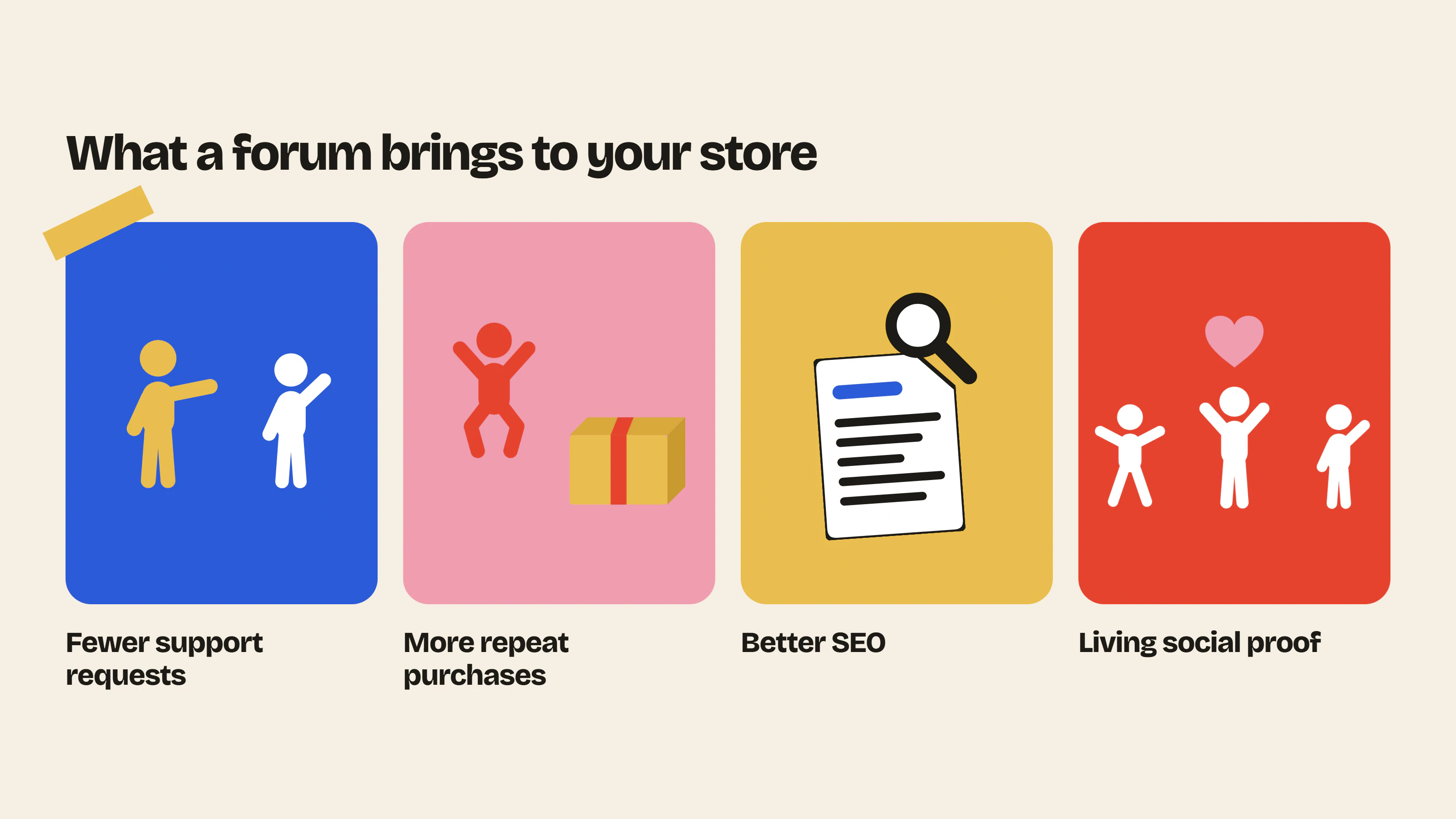
- Fewer support requests, because an answer posted once helps every customer who comes after.
- More repeat purchases, because customers have a reason to come back between orders.
- Answers that last, because every discussion stays visible on your store for the customers who come after.
- Living social proof, because visitors see other customers talking about your products.
To go further, read why you should build a brand community. Still torn between a forum, Discord or a dedicated platform like Circle? Our comparison of online community platforms will help you decide.
Features to check before choosing your app
Design and theme integration
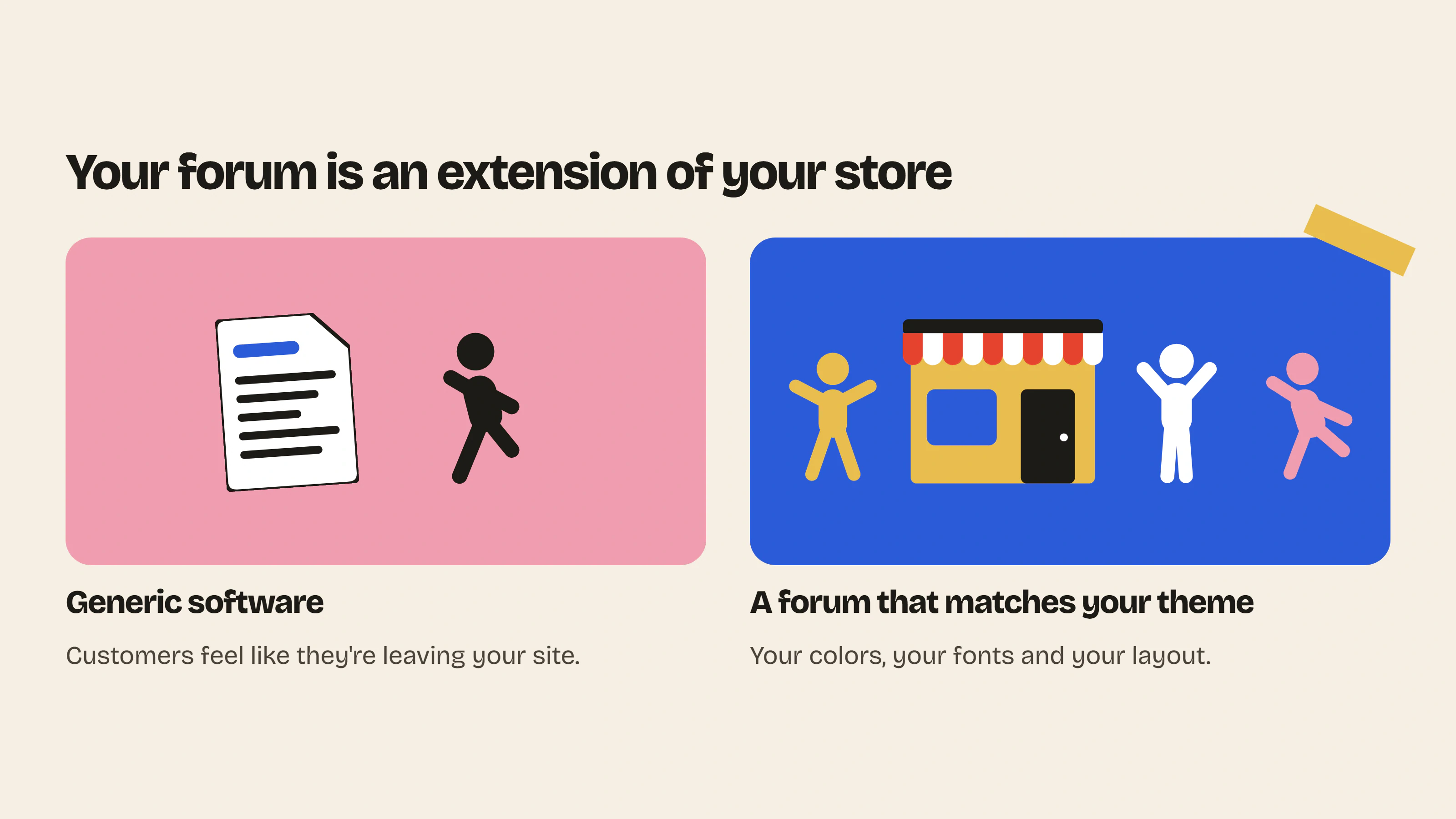
This is the most underrated criterion. A forum that doesn’t match your store’s colors, fonts and layout feels like an external tool. Customers feel like they’re leaving your site, which hurts trust and participation.
Member login
Ideally, customers log in with their usual Shopify customer account. Every extra account to create loses some of your most motivated members.
Hosting
Make sure discussions are hosted on your store, in your colors. A community displayed on an external page takes your customers away from your products.
Speed
An app that loads its scripts on every page can slow down your product pages and lower your conversions. Choose a solution that only runs on forum pages.
Moderation
A spam filter, banned words, approval of new members and member reports save you from watching your forum every evening.
Categories and access
Being able to make some categories public and others reserved for customers or a specific group lets you create a VIP space without an extra tool.
Engagement
Email notifications, reactions, polls and photos bring members back and highlight the best content.
Tracking
A dashboard lets you measure activity and spot your best contributors.
The 6 apps in detail
1. Insider Club
Insider Club adds a forum built right into your Shopify theme. It’s designed for brands that want a community that looks like them and helps both their customers and their support team.
Main features
- Native forum built into your theme, with full design customization (colors, fonts and rendering in your store).
- Automatic sign-up for customers logged in with their Shopify account.
- Discussions hosted on your Shopify store, public or password-protected.
- Loads only on forum pages, with no impact on your product pages.
- Public or private categories, reserved for certain roles, and a password-protected forum (Growth plan).
- Automatic moderation with spam detection, banned words, member reports and bans.
- Product cards in your team’s posts, photos and video links in posts.
- Email notifications when a member gets a reply.
- Polls, subcategories and latest posts that can be displayed on any page of the store.
- Statistics and email alerts in the Shopify admin.
- On the Growth plan, a password-protected forum, roles, badges and private categories.
Strengths. Fully customizable design, native integration and moderation you set up once.
Things to watch. Insider Club doesn’t handle payment for forum access itself. To sell a paid club, combine it with a subscription app.
Best for brands that want to build customer loyalty, lighten their support load and keep conversations on their store.
Price. Free plan, then Growth plan at $19.99 per month or $199 per year, with a 14-day free trial.
Discover Insider Club and start the free trial
2. Mega Community
Mega Community, developed by Architechpro OÜ, lets you create community pages built into your store, with a strong focus on paid memberships.
Main features
- Public or paid communities built into the store.
- Posts, comments and reactions.
- Moderation tools and notifications.
- Connection with customer accounts and Shopify checkout to sell access.
- Shopify Flow triggers.
- Integration with the Courses Plus course app.
- Custom community design setup on a higher plan.
Strengths. Built-in access sales and the link with a course app.
Things to watch. Advanced design customization requires a higher plan and setup by the developer, rather than settings you control yourself.
Best for creators and brands that want to monetize access to a community or support online courses.
Price. From $29.99 per month according to the App Store, free trial available.
Discover Mega Community on the Shopify App Store
3. Shopicial
Shopicial is a social forum app published by app1pro, the developer that also makes Xenforum.
Main features
- One-click forum creation.
- Unlimited posts and comments.
- Automatic notifications on forum activity.
- Plans based on number of users and storage, with 1,000 users and 5 GB on the starter plan.
- Email service, CDN and mobile app on higher plans.
Strengths. One of the lowest entry prices on the market.
Things to watch. The number of users is capped depending on the plan. Some sources indicate that the community is displayed on a page separate from the store, which may limit visual integration and SEO benefits. Check this during the trial.
Best for small budgets looking for a simple forum.
Price. From $14 per month according to the App Store, free trial available.
Discover Shopicial on the Shopify App Store
4. Xenforum
Launched in 2019, Xenforum is one of the oldest forum apps on the Shopify App Store. It’s published by the same developer as Shopicial.
Main features
- One-click forum creation.
- Unlimited topics and posts.
- Email notifications for new posts and replies.
- 1,000 users and 5 GB of storage on the starter plan.
- Unlimited users and storage, CDN and priority support on the top plan, suited to Shopify Plus stores.
Strengths. A proven solution with a plan for high-traffic stores.
Things to watch. The number of users is capped on the starter plan. Test how it looks in your theme and on mobile.
Best for merchants looking for a classic forum, including for high volumes.
Price. From $19 per month according to the App Store, free trial available.
Discover Xenforum on the Shopify App Store
5. Champ Forum
Champ Forum is an app for building a community of customers and fans on a Shopify store.
Things to watch. Public information about its features is limited. Check its App Store listing and test it before committing.
Best for merchants who want to compare several options.
Price. $29 per month according to the App Store.
Discover Champ Forum on the Shopify App Store
6. Forum Innovate
Forum Innovate is a recent app, launched in 2026, that stands out with a free plan to get started.
Main features
- Native forum built into the Shopify store.
- Design customizable to your brand colors, according to the developer.
- Login with existing Shopify customer accounts.
- Structured discussions with images and videos.
- Content hosted on your domain.
- Discussion search and sorting on the free plan.
Strengths. A free plan to test the forum concept with no commitment.
Things to watch. The app is very new and doesn’t have any reviews on the App Store yet. Free plan features are limited.
Best for testing the forum concept with no financial commitment.
Price. Free plan available, paid plans to be checked.
Discover Forum Innovate on the Shopify App Store
Feature comparison
| Feature | Insider Club | Mega Community | Shopicial | Xenforum |
|---|---|---|---|---|
| Design customizable by the merchant | Yes, theme colors and fonts | Custom design on a higher plan | Not specified | Not specified |
| Login with customer accounts | Yes, automatic | Yes | Not specified | Not specified |
| Loads only on forum pages | Yes | Not specified | Not specified | Not specified |
| Automatic moderation | Yes | Moderation tools | Not specified | Not specified |
| Reserved categories | Yes, by role | Yes, paid communities | Not specified | Not specified |
| Built-in access sales | No, via a subscription app | Yes | Not specified | Not specified |
| Email notifications | Yes | Yes | Yes | Yes |
| Polls and video links | Yes | Not specified | Not specified | Not specified |
| Statistics and email alerts | Yes | Not specified | Not specified | Not specified |
| User limit on the starter plan | No | Not specified | 1,000 | 1,000 |
| Starting price | Free, then $19.99 | $29.99 | $14 | $19 |
“Not specified” means the information doesn’t clearly appear on the app’s App Store listing at the time of writing.
Design and customization: the criterion that makes the difference
Your forum is an extension of your store. If it looks like generic software, customers don’t feel at home. That’s why we put design at the heart of Insider Club.
With Insider Club, the forum automatically picks up your theme’s look, and you customize the colors, fonts and rendering yourself, with no developer, starting with the free plan. Several apps advertise customizable design, but the level of control varies a lot. At Mega Community, for example, custom design requires a higher plan and setup by the developer.
To judge for yourself, install the apps during their trial periods and compare how their forum looks next to your product pages.
Which app for which need?
| Your need | Best-suited app |
|---|---|
| A forum that reflects your brand | Insider Club |
| Building loyalty and lightening support | Insider Club |
| Selling access to a community or supporting courses | Mega Community |
| The tightest budget | Shopicial or Forum Innovate |
| A classic forum with very high traffic | Xenforum (top plan) |
How to test before choosing
Use the trial periods to test two or three apps on your store or on a test store. Check the following points in particular.
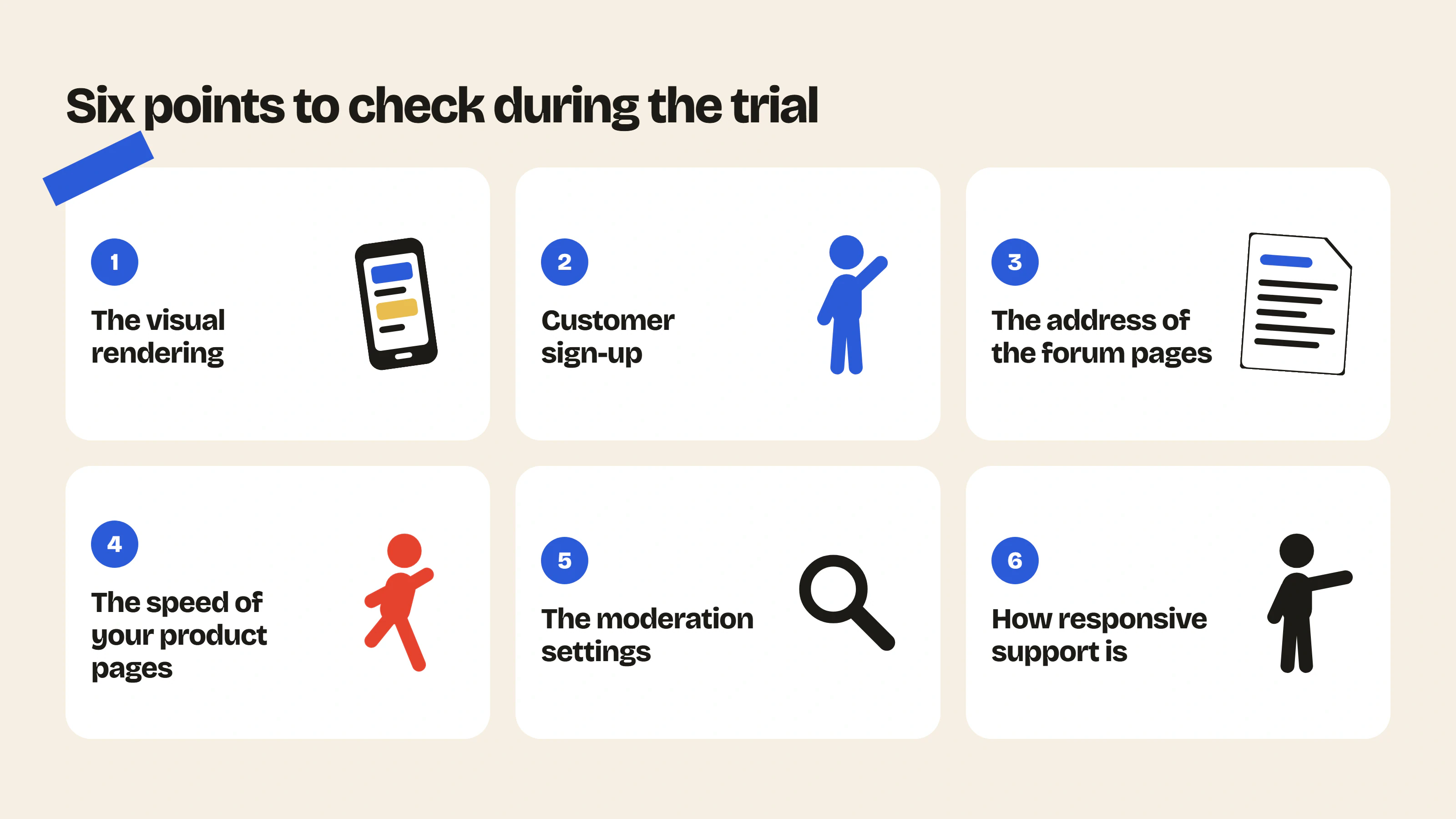
- The visual rendering next to your product pages, on desktop and mobile.
- Customer sign-up and the number of steps required.
- The address of the forum pages, to make sure they’re on your domain.
- The speed of your product pages before and after installation.
- The moderation settings available.
- How responsive support is, by asking a question during the trial.
To bring your community to life once you’ve chosen your app, rely on the 5 types of content that keep an e-commerce community alive.
How to add a forum to Shopify, step by step
Whatever app you choose, adding a forum to a Shopify store follows the same five steps. No code is needed with Online Store 2.0 themes.
- Install the app from the Shopify App Store and approve the access it requests (usually customers and online store).
- Create a page for the forum, for example “Community”, in your theme editor (Online Store → Themes → Customize).
- Add the app’s block or section to that page from the Apps tab of the theme editor, then save.
- Add the page to your main menu (Content → Menus, or Online Store → Navigation depending on your admin), so customers can find it.
- Publish two or three topics yourself before announcing the opening: a welcome message, an open question to your customers, an announcement. An empty forum doesn’t invite participation.
With Insider Club, customers logged into their Shopify account are members right away, and the forum picks up your theme’s colors and fonts. The detailed walkthrough is in our guide Install Insider Club: add a forum to your Shopify store.
FAQ
How do I add a forum to my Shopify store?
Install a forum app from the Shopify App Store, add its block to a page of your theme, then add that page to your menu. See the step-by-step section above.
What is a Shopify community app?
It’s an app that adds a space to your store where customers can talk to each other: a forum, discussion threads, groups or member areas. A forum app is the most common form, with categories, topics and replies that stay visible on your store.
What is the best forum app for Shopify?
It depends on your goal. For a forum that reflects your brand and is designed for customer loyalty, choose Insider Club. To sell access to a community, choose Mega Community.
Is there a free forum app for Shopify?
Yes. Insider Club has a Free plan with unlimited members and posts; photos, polls and private categories are part of the Growth plan. Forum Innovate also offers a free plan to get started, with limited features.
Does a forum app slow down my store?
It depends on the app. Choose one that only loads its scripts on forum pages.
Can I customize the design of a Shopify forum?
Yes, but the level of customization varies a lot from one app to another. Compare how they look during the trial periods.
Try Insider Club
Install Insider Club on your Shopify store and customize your forum in your own colors. Start the 14-day free trial.
- Community previewPaste your store URL and see what your forum would look like, with your colors and your products.Use the tool – Community preview
- Shopify app detectorSpot the apps installed on a Shopify store, grouped by category: email, reviews, loyalty, chat, subscriptions…Use the tool – Shopify app detector

 Install on Shopify