Discord marketing for e-commerce brands: a good idea for your store?
Discord marketing for e-commerce: the pros, the limits, how to connect Discord to Shopify, the basic setup and an alternative that lives on your store.
Discord is no longer just for gamers. Creators, fashion brands and startups have opened their own servers, and many Shopify merchants wonder whether they should follow. Here is what Discord marketing really brings to an e-commerce brand, its limits, what you can connect to your store, the basic setup, and the alternative we built for Shopify. If you are still weighing several tools, start with our comparison of online community platforms.
Discord in a nutshell
Discord is a messaging app organized into servers. Each server contains text and voice channels dedicated to different topics. Conversations happen in real time, a bit like a giant group chat.
In this article, we look at Discord as a meeting place between a brand and its customers. Many companies also use Discord for business internally, instead of Slack, so their teams can talk: that is not the topic here.
How brands use Discord
Several consumer brands have opened an official server. As early as 2021, StockX, the sneaker resale platform, previewed upcoming drops and members-only perks there, and the fashion brand Cider asked its community about sizing and product design (Glossy). In beauty, Starface announced launches and answered customer questions there (Glossy). Louis Vuitton livestreamed its Spring 2024 show on its server (Glossy).
The trend has shifted since. Digiday reports that big brands such as Samsung and Netflix now tend to sponsor existing fan servers rather than open their own. And Modern Retail noted early on that Discord mostly helps engage existing fans, and does much less to reach new customers.
The most common uses:
- Early access to launches: server members discover a product or collection before everyone else.
- Reserved access: a channel for loyal customers, ambassadors or buyers of a limited edition.
- Live Q&As: a voice session with the founder, a creator or the product team.
- Product feedback: a channel where members suggest ideas and vote on upcoming releases.
The benefits of Discord for brands
- It’s free: creating and running a server costs nothing. Nitro and server boosts are optional: they mostly add emojis, a banner or larger file uploads (Discord Help Center).
- Conversations are lively: real time creates a strong sense of closeness between members.
- Roles are flexible: you can create channels reserved for certain members.
- Voice channels and events make room for live sessions such as Q&As.
The limits of Discord for an online store
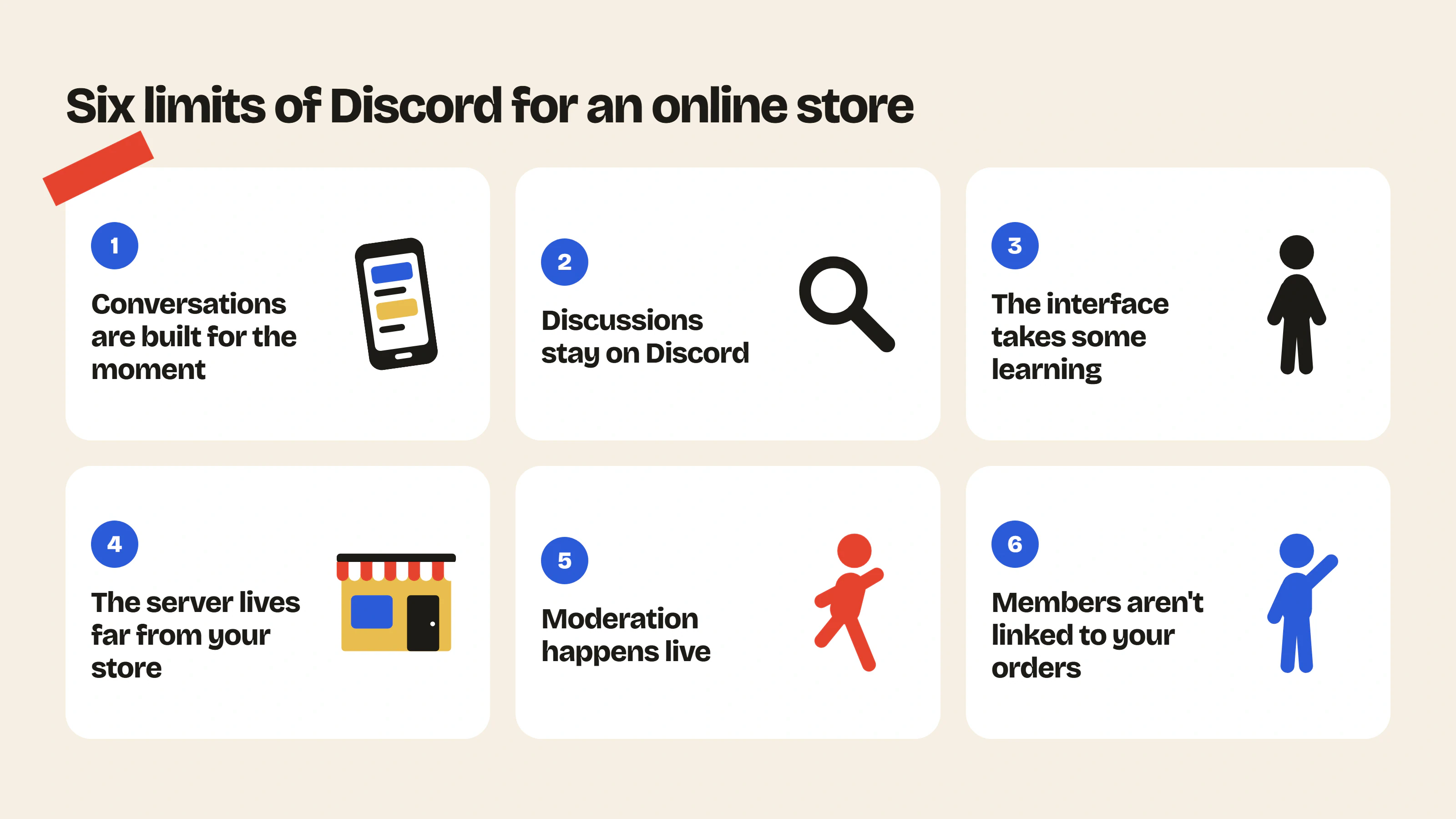
- Conversations are built for the moment: in a chat channel, a useful answer is quickly followed by other messages. Discord offers forum channels and search, but you have to organize them so newcomers can find answers already given.
- Discussions stay on Discord: a brand server does not show up on Google. Discord announced on October 27, 2026 that messages from public channels may become visible in search engines from mid-December, but only for “Discoverable” servers (at least 1,000 members and 8 weeks old), and the setting will be off by default in the European Union (Discord blog). Either way, those pages are hosted by Discord. Your customers’ answers benefit neither your site nor your product pages. We explain why content written by your customers is valuable in our article on user-generated content.
- The interface is built for real time: servers, channels, roles. Customers who don’t know Discord have a new tool to learn before they can take part.
- The server lives far from your store: members are not one click away from your products.
- Moderation happens live: Discord offers automatic moderation (AutoMod) and moderator roles, but real time requires responsiveness.
- Members are not linked to your orders: Discord accounts are independent of your store. Without a third-party app, you don’t know who has already bought.
Connecting Discord to your Shopify store
Discord and Shopify are not connected by default, but several Shopify App Store apps provide a Shopify Discord integration (checked on October 29, 2026):
- Discord Connect: customers connect their Discord account, get a role based on the products they bought and access reserved channels. Free plan up to 100 connections per month, then from $19 per month.
- Discord Tools ‑ Boohead: posts your orders and new products to a channel and assigns roles to buyers, from $5 per month.
- miniOrange Discord Integration: lets customers log in to your store with Discord and assigns roles based on purchases or customer tags, from $49 per month.
- Discordify: order and refund notifications in a channel, at $7.95 per month.
These apps address the “members are not linked to your orders” limit: you can reserve a channel for your buyers, or for buyers of a specific collection.
What no integration changes: discussions stay on Discord. Your customers have to leave your store to take part, and a product mentioned in a channel is not one click away from the cart.
Which brands is Discord right for?
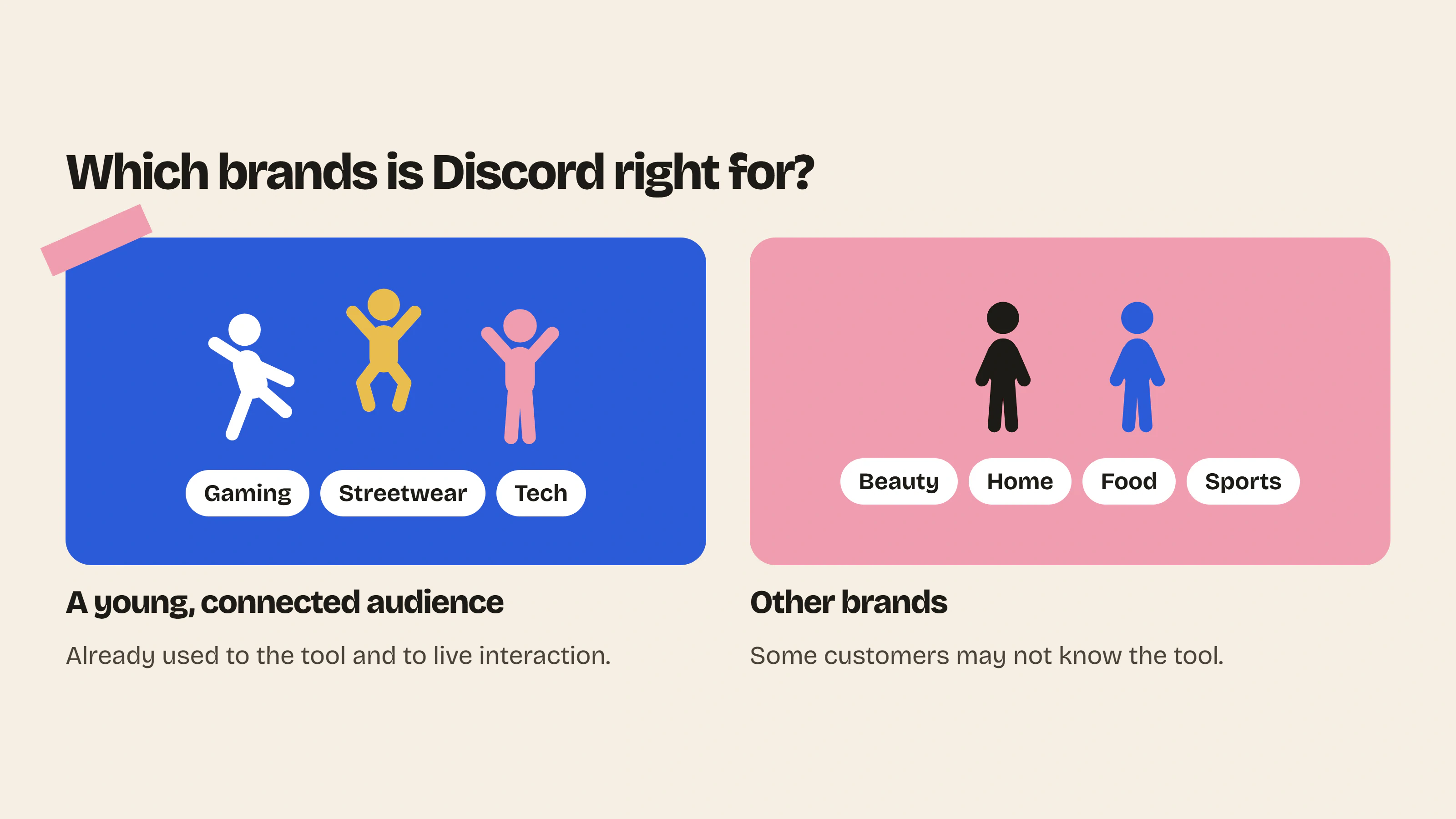
Discord works well for brands whose audience is young, highly connected and already used to the tool. That is the case for gaming, limited-edition streetwear or tech. It also works for one-off events that call for live interaction.
For other brands, especially in beauty, home, food or sports, part of the customer base may not know Discord and may hesitate to create an account. To compare Discord with a Facebook group and a forum on your store, see our Shopify forum vs Facebook group vs Discord page.
Setting up your brand’s Discord server: 5 basic settings
If Discord suits your audience, these five settings keep your server from getting messy in the first week:
- A few clear channels: announcements, help, customer photos, ideas. Four lively channels beat fifteen empty ones.
- Simple roles: team, moderators, customers, and possibly a role for your loyal customers.
- Visible rules: a short rules channel to accept before posting.
- AutoMod turned on: filter suspicious links, spam and banned words before they appear (AutoMod FAQ).
- A proper welcome: turn on Community Onboarding, which asks new members a few questions and opens the right channels for them (Discord Help Center), then pin a message explaining where to ask questions.
For recurring questions, use a forum channel rather than a chat channel: each question becomes a separate post that is easier to find (Discord Help Center).
For your first posts, our forum launch post generator suggests ready-to-publish texts, for Discord as well as for a forum.
Insider Club, the Discord alternative built for Shopify
An important note: Insider Club is our app. We built it for brands that want a community as lively as on Discord, but set up directly on their store and connected to their customers.
Your members are your customers
With Insider Club, customers logged in to their Shopify account automatically become members, with no new account or password. You know who is talking in your community, and you can reserve a category for certain roles, such as your loyal buyers or your ambassadors.
Answers people can find again
Discussions are organized by category and topic, and they are hosted on your Shopify store. A question asked six months ago remains readable by the next customers, instead of disappearing in a stream of messages.
Your products one click away
With product cards, an item mentioned in a discussion is directly accessible. A member who discovers a product through another customer can buy it right away.
A familiar interface
No servers, channels or commands to learn. Your customers post, comment and react as on a social network, in a space with your brand’s colors and fonts. To get a feel for it, try our Shopify community simulator.
Discord or Insider Club: the comparison
| Criterion | Discord | Insider Club |
|---|---|---|
| Where the community lives | On an external server | On your Shopify store |
| Who the members are | Discord accounts, not linked to your orders | Your Shopify customers, signed up automatically |
| Pace of conversations | Real time | Lasting discussions |
| Finding an answer | Search and forum channels, to organize | Categories and subcategories |
| Customer-only access | Roles assigned by hand or by a third-party app | Password or private categories |
| Link with your products | Indirect | Direct, with product cards |
| Design | Discord’s | Your colors and fonts |
| Moderation | Automatic moderation and moderators, live | Spam detection, banned words, reports |
| Tracking | Server insights | Analytics and email alerts in your admin |
| Best-suited audience | Used to real time | Your store’s customers |
| Cost | Free | Free plan, then a subscription (see pricing) |
What if you combined the two?
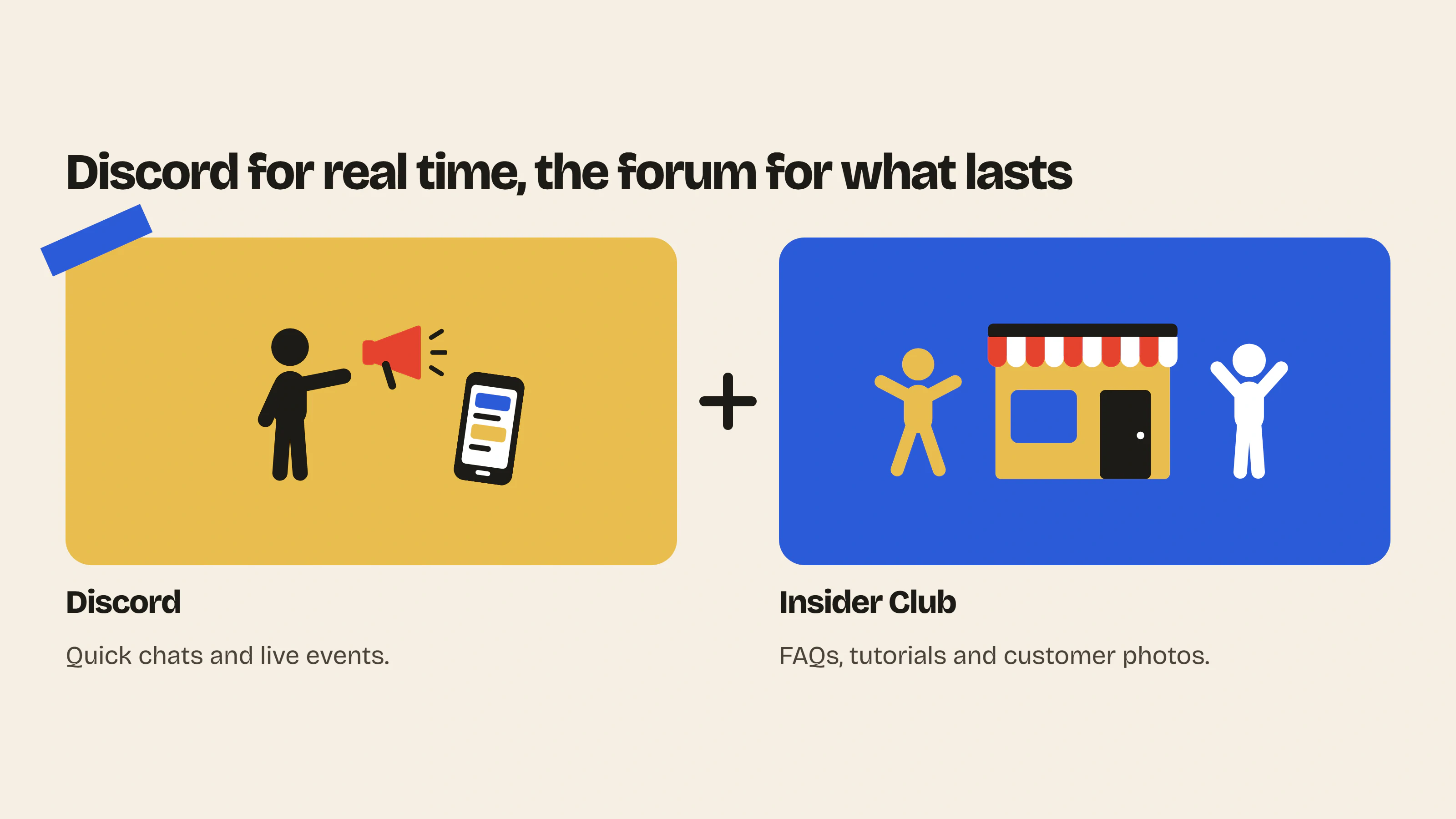
If your audience is already on Discord, you can keep your server for quick exchanges and live events, and use Insider Club for everything that needs to last. FAQs, tutorials and customer photos stay easy to find for your next customers. For ideas on what to post, see our 5 types of content that keep an e-commerce community alive.
Discover Insider Club and start your free trial
FAQ
Is Discord a good fit for an e-commerce brand?
Yes, if your audience is already used to the tool. For customers who don’t use it, a space on your site saves them from learning a new tool.
Is Discord content indexed by Google?
Not for most brands: a server with fewer than 1,000 members stays invisible on Google. Discord announced that messages from large public (“Discoverable”) servers may appear in search engines from mid-December 2026, with the setting off by default in the European Union. Even then, the pages are hosted by Discord, not on your site.
Can I connect Discord to Shopify?
Yes, with a third-party app from the Shopify App Store: it can, for example, give your buyers a Discord role or announce your new products on the server. The discussions themselves stay on Discord.
Do I have to pay to create a Discord server?
No. Creating and running a server is free (Discord’s official setup guide). Nitro and boosts are optional: they mainly unlock emojis, a banner and larger file uploads.
What is the best Discord alternative for a Shopify store?
A forum built into your store, like Insider Club, where your customers are automatically members and discussions stay organized and easy to find. Our selection of the best Shopify forum apps compares the other options.
Can I reserve a space for my customers on Insider Club?
Yes. With the paid plan, you can password-protect the whole forum or reserve certain categories for roles, such as your VIP customers.
Discussions that last, on your store
Insider Club adds a forum in your colors to your Shopify store, where your customers are automatically members and every discussion stays useful to the next customers. Free plan to get started, 14-day free trial on the paid plan: see pricing.
- Community previewPaste your store URL and see what your forum would look like, with your colors and your products.Use the tool – Community preview
- Launch post generatorTen ready-to-publish first posts to launch your forum: title, text, category and format.Use the tool – Launch post generator


 Install on Shopify