The 5 types of content that keep an e-commerce community alive
An empty forum scares people away. Here are the five content formats that spark conversations between customers, with examples and the rhythm to keep for each.
Opening a forum on your store takes ten minutes. Keeping it alive is another story. Most e-commerce communities do not die from a lack of members, but from a lack of reasons to come back. Nobody logs in “to have a look”; people log in because something is happening.
Watching what works in brand forums, five types of content come up every time. They need no budget and no dedicated team. They need a little consistency, and above all letting your customers take the floor.
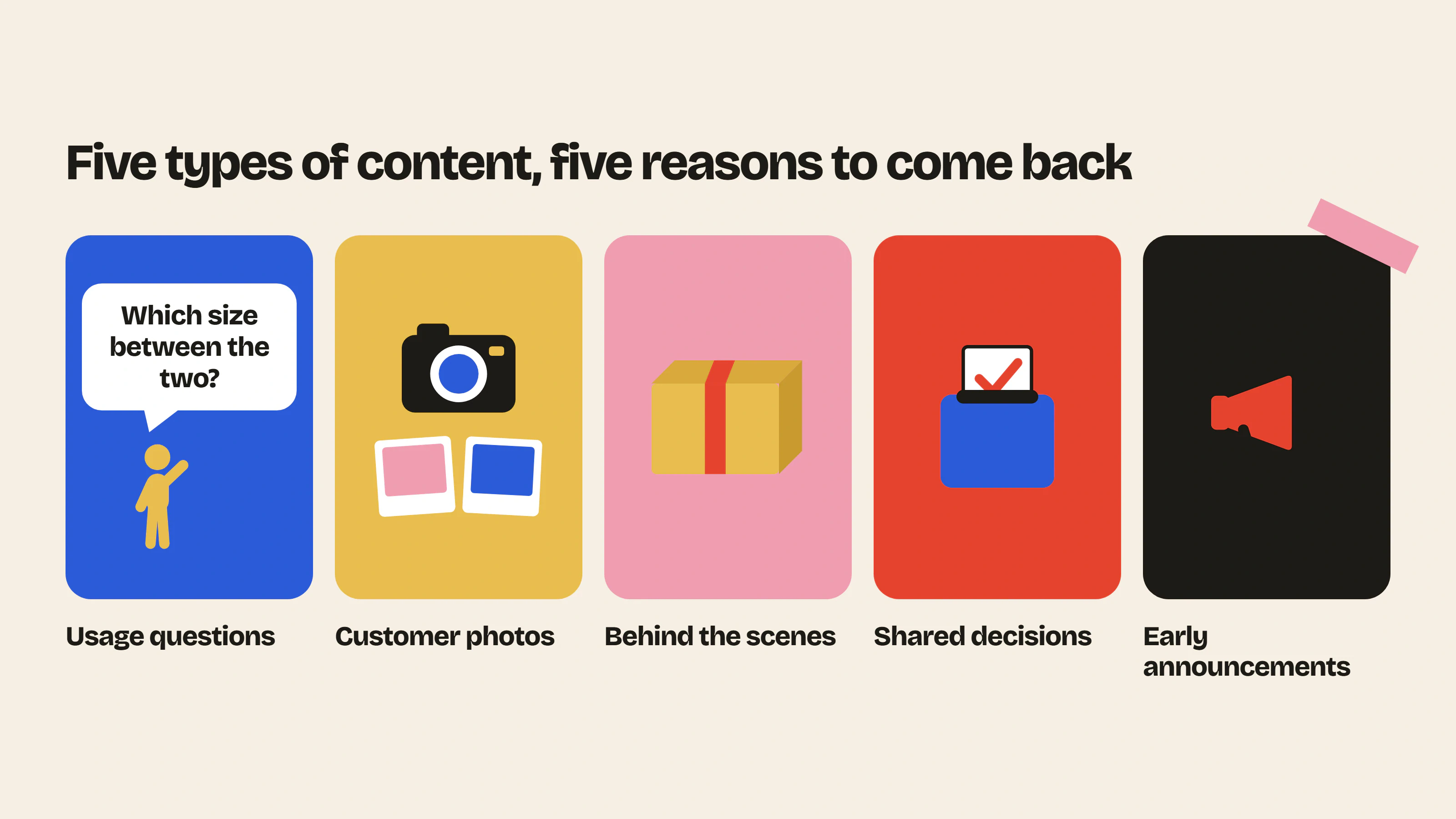
1. Usage questions: the content that creates itself
This is the foundation of any customer community. “Which size between the two?”, “Is it dishwasher safe?”, “How do you use it day to day?”. These questions already land in your support inbox. In a forum they become public, and other customers answer them before you do.
What changes everything: an answer written by a buyer carries more weight than one written by the brand. It reads as honest, with its nuances and its “it depends”.
How to start it. Take your ten most frequent support questions and post them yourself in a “Help” category, signed with your first name. Answer each in one sentence, then let it live. As soon as a customer answers in turn, thank them publicly.
Rhythm. Continuous. Once launched, this content needs no preparation.
2. Before/after and customer photos
A customer showing your product at home, in real life, is your best advertising. On Instagram that photo disappears in twenty-four hours. On your forum it stays, and your next customers can find it again.
The formats that work best: before/after when your product transforms something, “here is how I installed it” for home and DIY, “today’s outfit” for fashion, “results after three weeks” for skincare.
How to start it. Create a dedicated category and post the first photos yourself, with permission from customers who already emailed them to you. Then launch a simple call: “Show us yours”. A small voucher for the photo of the month is enough to get it going.
Rhythm. One call for photos per month, one featured post per week.
3. Behind the scenes
Your customers chose a small brand over a big retailer. They want to know who is behind it. The next product being designed, a visit to the workshop, a manufacturing mistake and how you fixed it, the journey of a parcel: everything you already tell your friends interests your community.
This type of content does not necessarily generate many replies, but it builds attachment. It is what turns a satisfied buyer into a member who comes back to read.
How to start it. A “Behind the scenes” or “Journal” category, short posts, a phone photo, no staging. End with an open question: “Which color would you have picked?”.
Rhythm. One post every two weeks, kept up over time. Little and regular beats a lot and then nothing.
4. Shared decisions
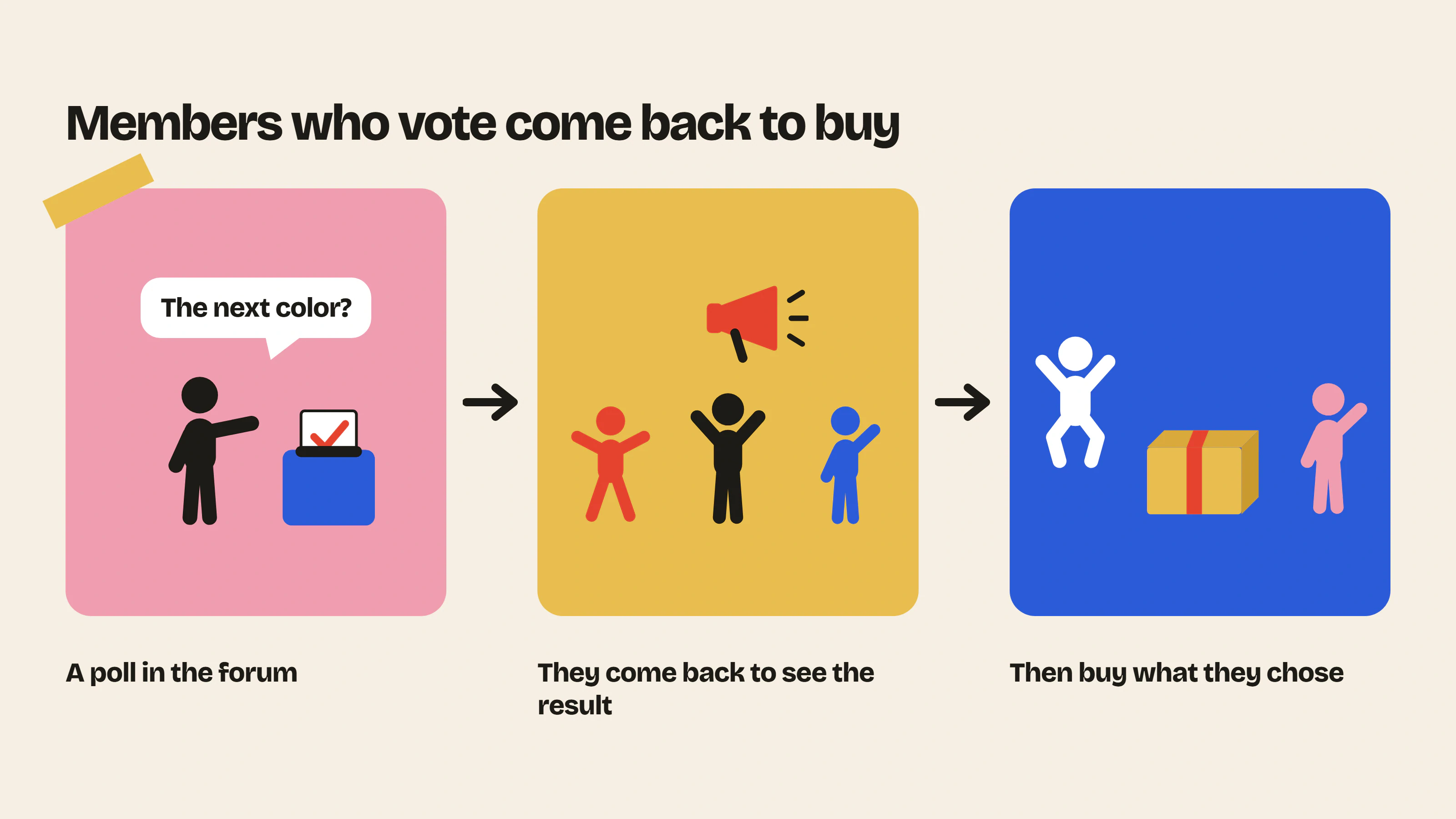
This is the most powerful content and the least used. Ask your community to decide: the next color, a product name, the format of a gift box, the release order. A poll in the forum, a deadline, and a result announced publicly.
Two effects. First, members who voted come back to see the result, then come back to buy what they chose. Second, you get free market research from the only people who matter: those who already paid.
How to start it. Start small, on a decision you are genuinely ready to hand to the community. Nothing kills trust faster than a poll whose result is never shared.
Rhythm. One shared decision per month, or with each new release.
5. Early announcements
The word “club” in Insider Club is not decorative. A community needs privileges: seeing a product before everyone else, accessing a pre-order, learning about a promotion twenty-four hours before the newsletter goes out.
These announcements give an objective reason to be a member and to log in. They combine very well with categories restricted to logged-in customers: what is said there is visible only to them, and they know it.
How to start it. Create an “Announcements” category reserved for your team, and keep the promise: every new release appears there first. Mention it on your product pages and in your emails; it is your sign-up argument.
Rhythm. With every launch, and at least once a month to keep the habit.
The right mix
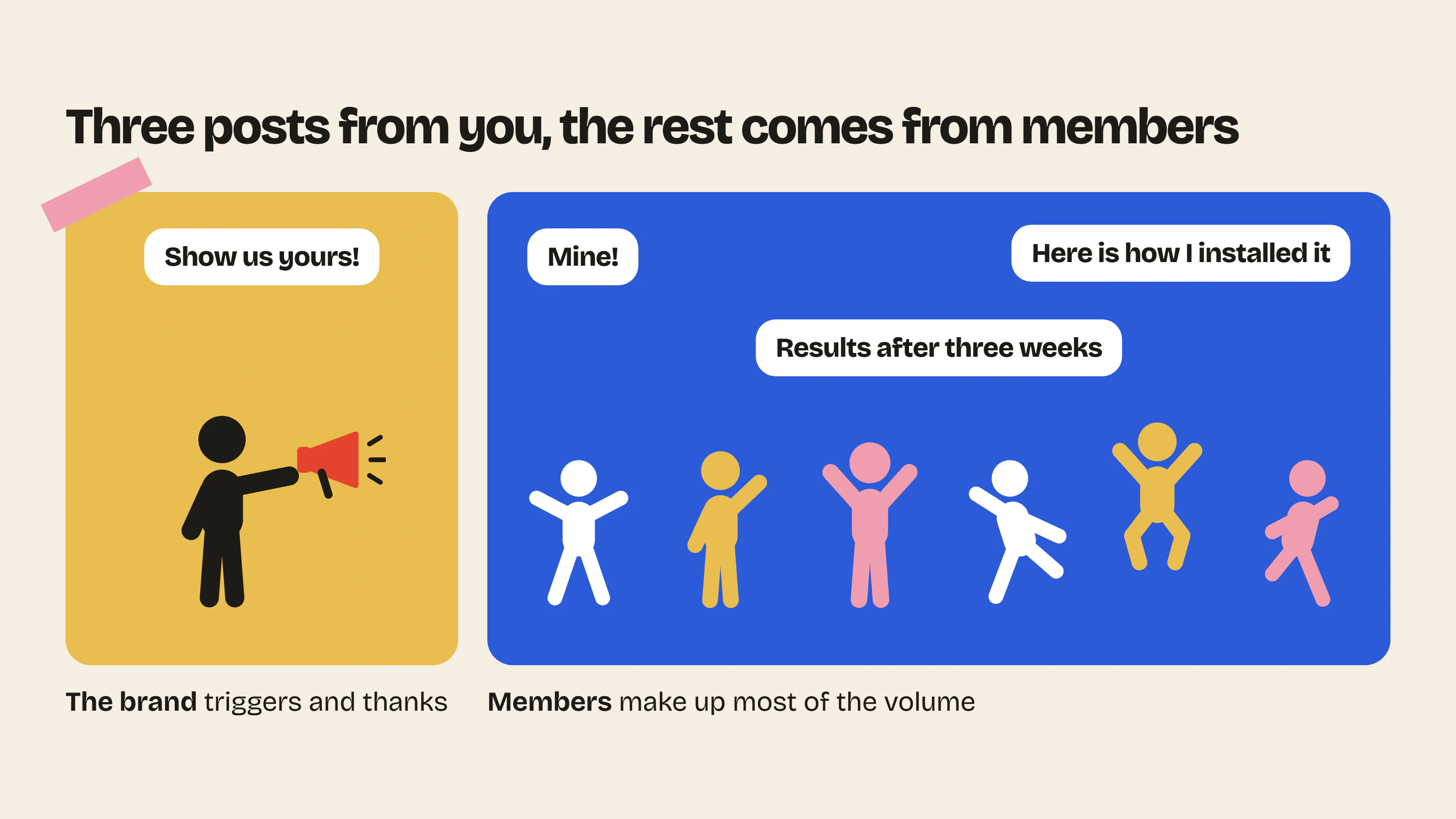
A community that works looks like this: usage questions and customer photos make up most of the volume, with no effort on your side. On top, you add a layer of behind the scenes, one shared decision and one announcement per month. Three posts from you, and the rest comes from members.
If you remember a single rule: your job is not to produce the content but to trigger it and to thank it. Answer fast in the first weeks, feature the best contributions, and gradually let members take the space. A living community is one where the brand speaks less and less.
Where to start this week
- Create three categories: Help, Photos, Announcements. No more at first.
- Post ten frequent questions in Help, with your short answers.
- Email your customers from the last six months with a single call: “Show us yours”.
- Post a sneak-peek announcement, even a modest one.
- Put a behind-the-scenes post in your calendar every two weeks.
The rest gets built with the members.
Further reading: Community marketing: definition, benefits and examples for e-commerce, Why add a forum to your Shopify store and all the forum features.
- Launch post generatorTen ready-to-publish first posts to launch your forum: title, text, category and format.Use the tool – Launch post generator
- Customer support cost savings calculatorThe hours and dollars saved when your community answers your customers' repetitive questions.Use the tool – Customer support cost savings calculator
 Install on Shopify