Community engagement ideas: 60 recurring events that bring your members back
Community engagement ideas built on recurring events, from Question Friday to the member of the month, with ideas for each e-commerce industry.
After a community launches, there is often a lull. The first members have posted, the first questions have been answered, then activity slows down because members no longer have a particular reason to come by.
To keep a community active over time, the simplest solution we know is to give it recurring events. For example, Friday becomes question day. For one hour, the team answers everything that has been posted in the forum. Members know it, so they save their questions for Friday and come by to read the answers given to others.
Here are 60 community engagement ideas, weekly, monthly and yearly, followed by ideas for each industry, from fashion to gardening. You don’t need to do everything: two or three events held every week are enough to get started.
If your community isn’t launched yet, start with our guide to building a brand community. This article comes right after, once the first members are there.
Why do recurring events bring your members back?
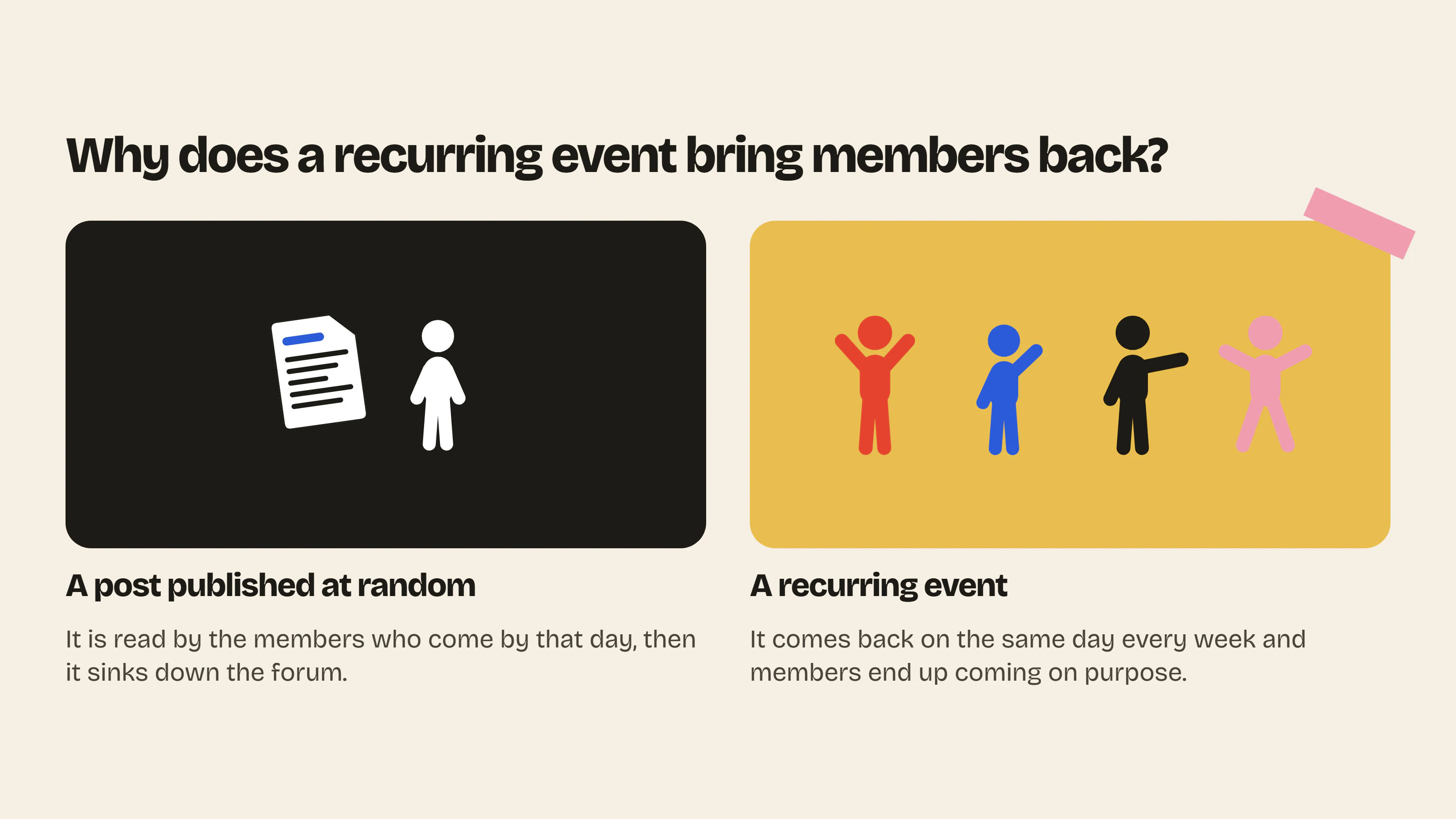
Once they have signed up, most members don’t come by on their own. They get a notification when someone replies to them, read the reply, then forget about the forum until their next question. With a fixed event, they know something happens on a specific day and that is the day they come to look.
Some online communities have been running on these rituals for years. Among knitters, “WIP Wednesday” means showing the project you have in progress on Wednesday and “FO Friday” means showing what you finished on Friday (Knit & Gather). Nobody needs to remind members to post, they know which day to do it.
Recurring events also get people to take part more: when a member knows that Wednesday is the photo of the week, they remember to take their photo the day before. They know what is expected of them and that is much easier than starting from a blank page.
On your side, you save time. The topic of the week is already decided and you can prepare your posts for the month in one go.
How do you set up a recurring event?
An event takes a few weeks to catch on. Here is what we recommend so that it lasts in your forum.
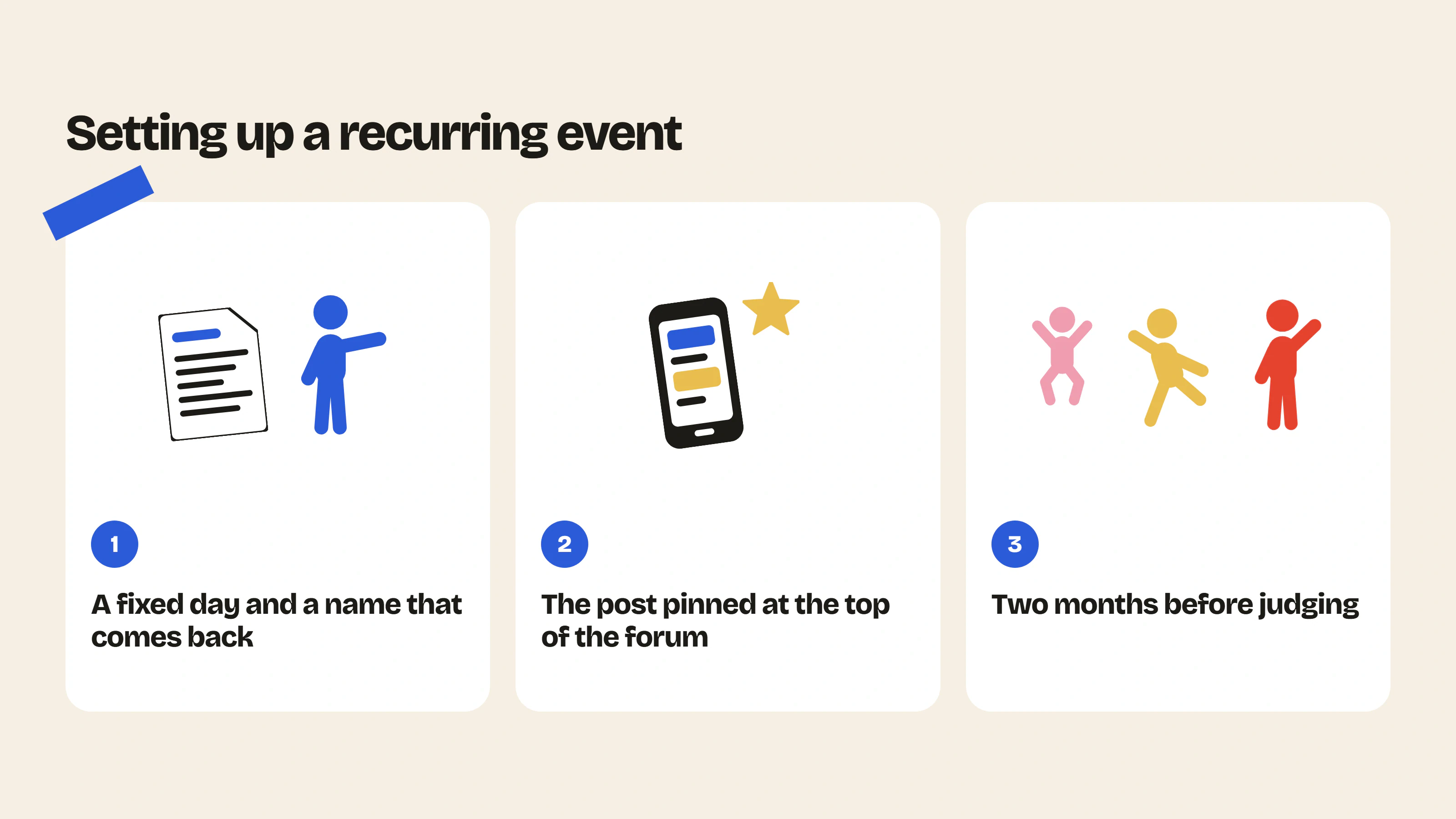
- Choose a day and keep it. Weekends work well for hobbies like gardening or knitting, Monday for sports and weekday evenings for customers who work.
- Give it a short name that always appears in the post title, like “Question Friday” or “Wednesday photo”. Your members recognize it right away and find it with the forum search.
- Keep the same format from one week to the next, with the same opening sentence and the same category.
- Pin the post of the week at the top of the forum. With Insider Club, you can pin up to three posts.
- Talk about it elsewhere, in your newsletter, in a story or in the email that follows an order.
- Keep it going for at least two months before judging whether it works.
In the first weeks there will be few replies and that is normal. Reply to the first messages yourself to get the conversation going. If nobody takes part, write directly to two or three loyal customers and ask them to go first. As soon as a few members have posted, the others follow much more easily.
A typical week
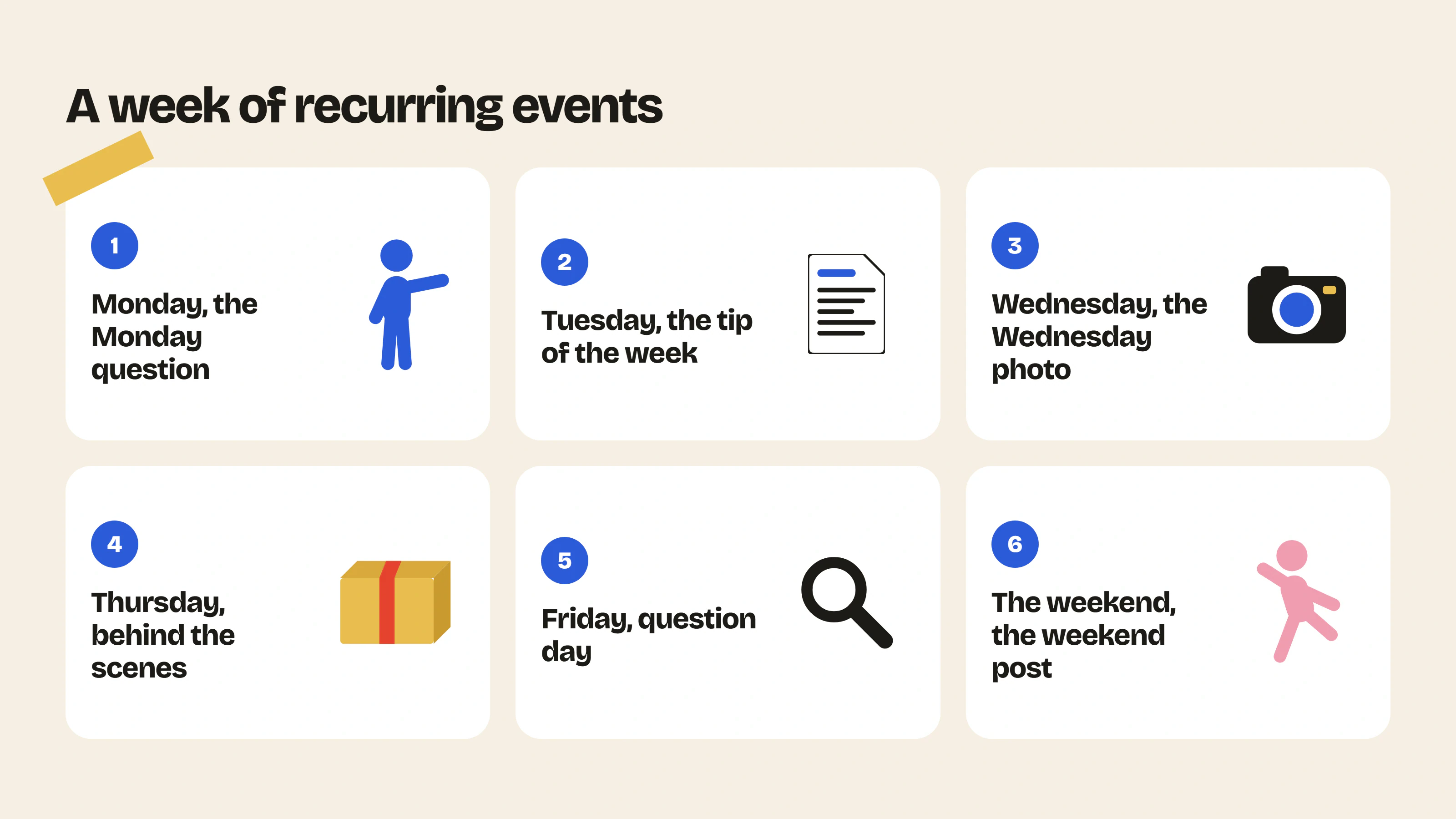
You don’t have to fill the whole week. Choose one or two days that suit your customers, then add one when the first events work.
| Day | Event | Your post |
|---|---|---|
| Monday | The Monday question | A simple question about using your products, like “What are you planning this week with your…?” |
| Tuesday | The Tuesday tip | A tip from the team, or one from a member spotted during the week |
| Wednesday | The Wednesday photo | “Show us yours”, with a photo of your own to start the post |
| Thursday | Behind the scenes Thursday | A photo of the workshop, a prototype or orders being packed |
| Friday | Question Friday | One hour during which the team answers every question |
| Weekend | The weekend post | The recap of the week, or “What are you up to this weekend?” |
A quick note about the app: the Wednesday photo and polls require the Growth plan, which also includes the roles and badges we mention below. The details are on the pricing page.
Question Friday in practice
This is the event we recommend first, because it also takes some of the load off your customer service. Every answer given on Friday stays in the forum and the next customer with the same question finds it instead of writing to you.
Publish the post on Friday morning with the time you will be answering, for example from 5 to 6 pm. That way members have the whole day to ask their questions. During the announced hour, answer everything, even the questions that seem obvious to you.
With Insider Club, this post is published under your community’s name with your admin badge. Your members see right away that the team is behind it.
At the end of the month, go back over the questions that came up several times and add them to your product pages or your FAQ. We explain how an FAQ and a forum work together in our selection of the best apps to create an FAQ on Shopify.
Monthly events
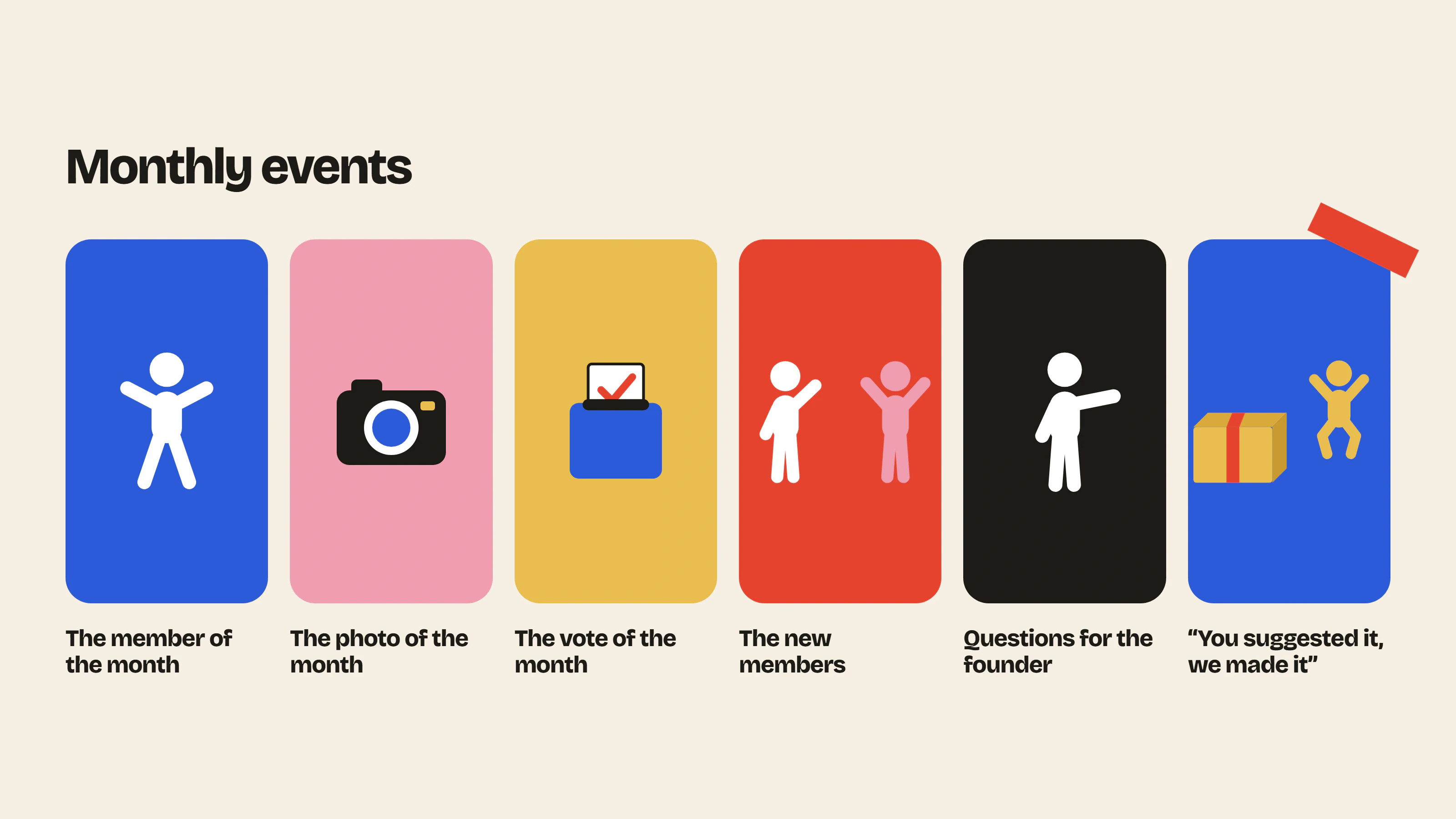
A monthly event takes more preparation, so start with just one.
- The member of the month, chosen by the team or elected by the members with a poll. Give them a “Member of the month” badge for a month (roles and badges take a few minutes to create in Insider Club).
- The photo of the month, chosen from the Wednesday photos and rewarded with a small voucher.
- The vote of the month, on a color, a product name or the next scent. Always announce the result and what you are doing with it, otherwise members stop voting.
- The new members of the month, with a welcome post that mentions them and invites them to introduce themselves.
- The Q&A session with the founder, one hour a month in a forum post, with no video to prepare.
- “You suggested it, we made it”, as soon as a member’s idea becomes a product or a change in the store.
The last one is our favorite, even if it doesn’t happen every month. When it does, members see that what they write is put to use.
Yearly events
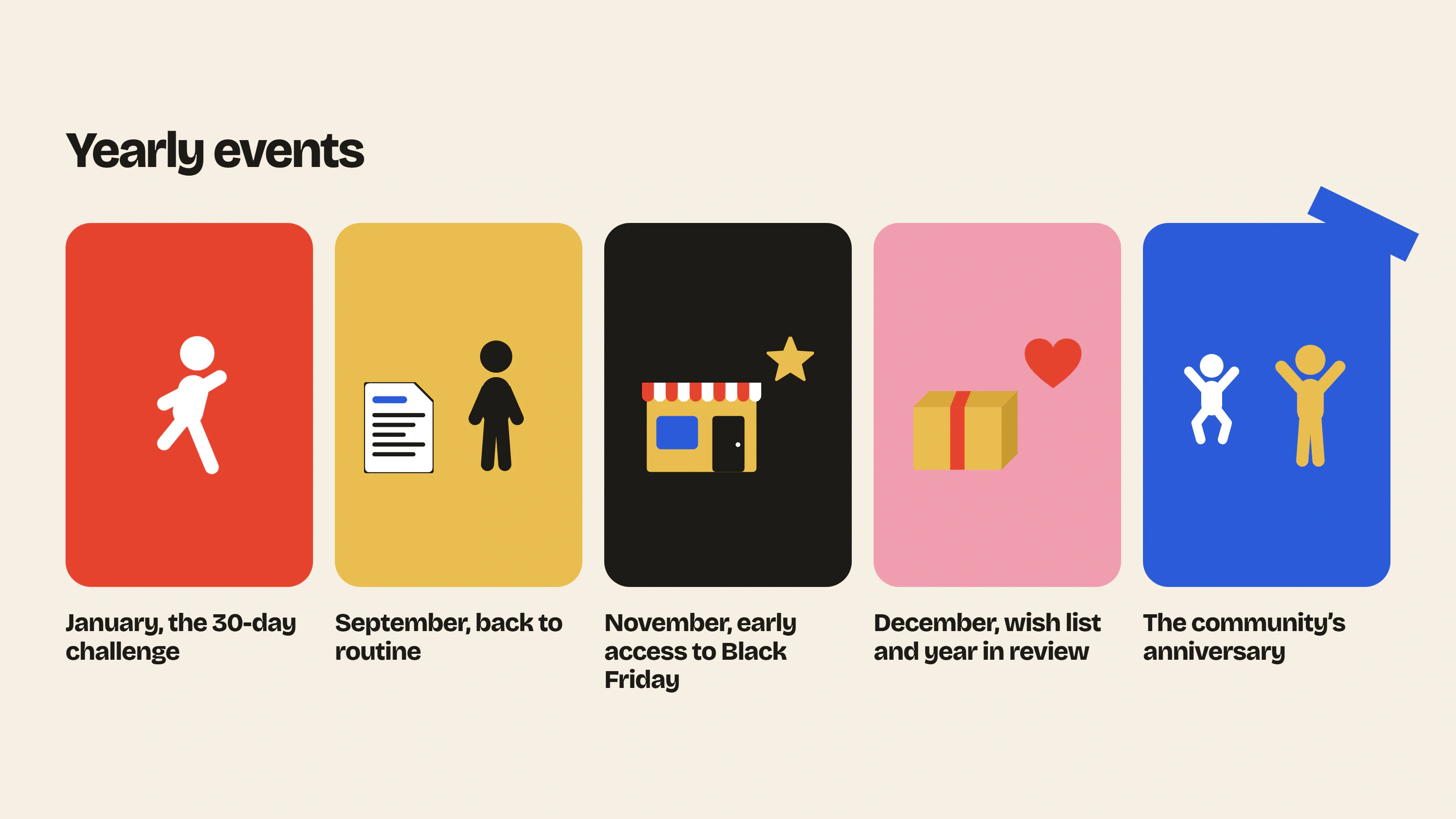
These are easy to forget, so put them in your calendar in January.
| When | Event | The idea |
|---|---|---|
| January | The 30-day challenge | A goal to stick to together for a month, at the time of New Year’s resolutions |
| September | Back to routine | The things members are picking up again or starting, with your seasonal products |
| November | Early access to Black Friday | Deals open to members 24 hours before everyone else |
| December | The members’ holiday wish list | The products members would like to receive or give |
| December | The year in review | The number of posts, the topics that got people talking most and a thank-you to the most active members |
| Launch date | The community’s anniversary | A post about the first year, with a few numbers and the first messages |
Early access to Black Friday is a good opportunity to grow the community. Announce it in your newsletter a few weeks ahead. The customers who sign up to take advantage of it discover the forum on that occasion and some of them stay.
Habits triggered by an event
Some habits don’t depend on the calendar. They come back every time something happens in the store or in the forum.
When a new member introduces themselves, reply within 24 hours. A first message left unanswered gives the impression that nobody reads and the member is unlikely to write a second one.
When you launch a product, post it in the forum first, a few hours or a day before your newsletter and social media. That gives your members another reason to come by regularly.
In the follow-up email after an order, invite the customer to post their photo or review in the forum. Send it one to two weeks after delivery (10 days later, for example), once they have had time to use the product.
And when a member answers another member’s question for the first time, thank them publicly. It makes them want to do it again and shows the others that they can answer too. The more your members answer each other, the fewer messages you have to handle.
Community engagement ideas by industry
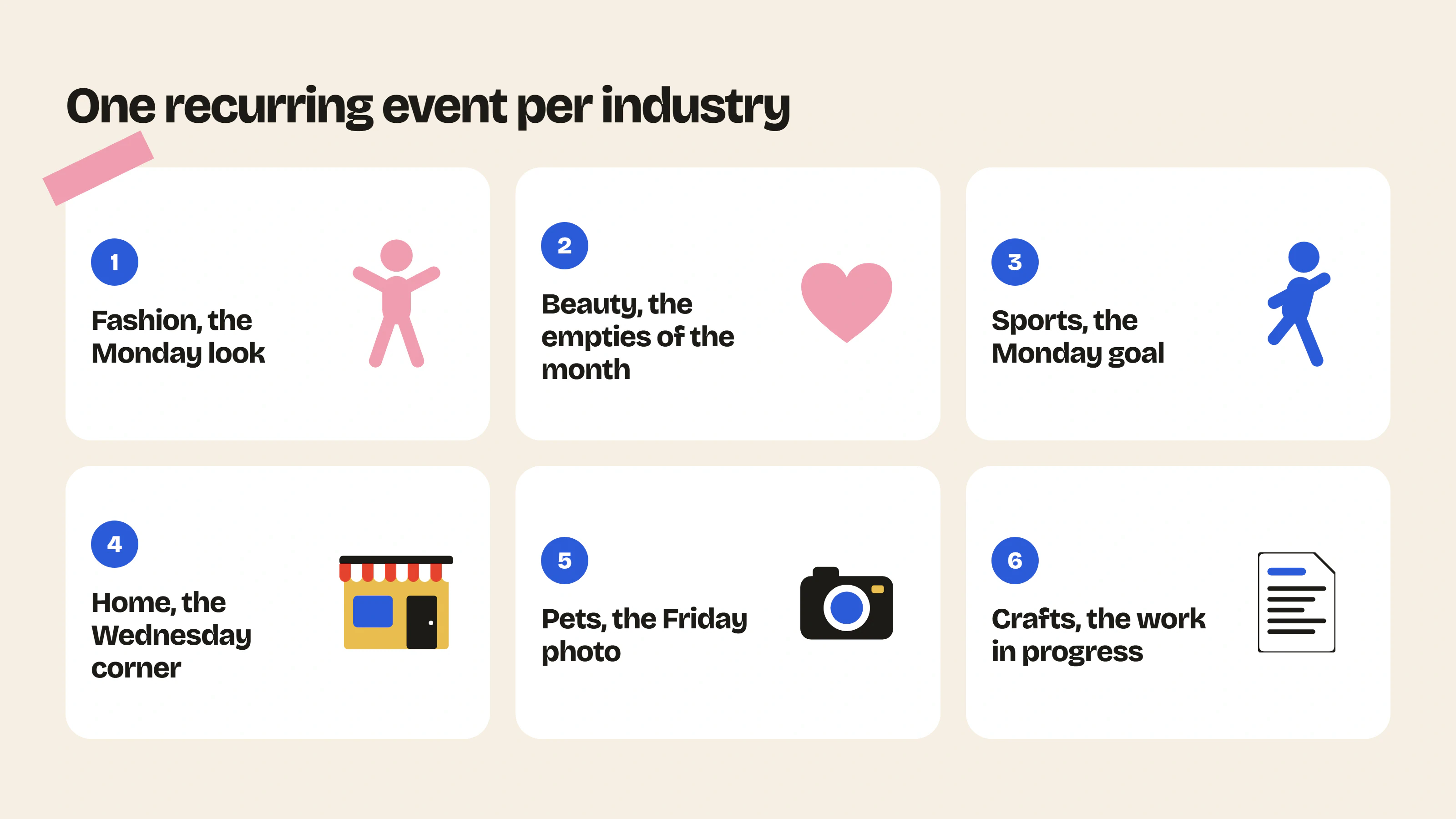
The typical week works for most stores, but every industry has its own habits. Start from what your customers already do with your products, that is where you will find the events that work best.
Fashion
- The Monday look, where members show their outfit with a piece from the brand.
- “One piece, three outfits” once a month. The team picks a product and members show how they wear it.
- The Friday sizing question, which reassures people who hesitate before ordering.
- The Sunday closet sale, where members resell or swap the pieces they no longer wear. Your products live on after the purchase and members have a reason to come by every Sunday.
Beauty and skincare
- The Sunday evening routine, with the products everyone uses and in what order.
- The empties of the month. Everyone shows the bottles they have finished and says whether they will buy them again.
- The before / after, always after the same amount of time (four weeks, for example) so the results can be compared.
- The Friday skin question, answered by your formulator or a beautician if you have one on the team.
Sports
- The Monday goal, where everyone announces what they want to do during the week.
- The Sunday recap, with the distance, the number of sessions or the total climb.
- The challenge of the month, a distance or a number of sessions to reach together.
- A group outing once or twice a year, if many of your customers live in the same region.
Home and decor
- The Wednesday corner. Members show a corner of their home, a shelf, an entryway or a desk.
- The weekend project, announced on Friday and shown finished on Monday.
- The theme of the month voted by members, the kitchen in January or the balcony in May.
- The before / after of longer renovations, shown once the work is done.
Coffee, tea, wine and gourmet food
- The Friday recipe with one of your products.
- The tasting of the month. Everyone tastes the same product during the month and posts their rating and impressions. If you sell subscriptions, it is very easy to organize (everyone receives the same product).
- The weekend pairing, what members serve with your products.
- The seasonal product, with each new harvest or vintage, along with what members think of it.
Pets
- The Friday photo, probably the easiest event to launch on this whole list.
- The adoption anniversary, which members announce and the brand replies to.
- The Tuesday question for a vet or a trainer, once a month if you have a partner willing to answer.
Baby and parenting
- The win of the week, the small thing that worked, like a full night’s sleep or a first meal without drama.
- The Wednesday question, a midweek post where parents ask what they need help with.
- The firsts of the month, where parents share their child’s milestones.
On this topic, remember to state in the forum rules that members can share anything without showing children’s faces.
Arts and crafts
- The Wednesday work in progress, the equivalent of the knitters’ “WIP Wednesday”.
- The Friday finished project.
- The material of the month, a yarn or fabric from your new arrivals chosen by members.
- The make-along of the month. Everyone knits, sews or paints the same pattern, with one post a week to move forward together and help each other with the tricky parts.
Gardening
- The sowing of the month, posted at the start of the month with what can be sown now.
- The Sunday harvest, during the season.
- Seed swaps in spring, between members who have too many.
- The sick plant of the week, where a member posts a photo and the others help figure out what is wrong.
Gaming and tech
- The setup of the month, with a photo of everyone’s desk or installation.
- The game of the moment, on Monday, where everyone says what they are playing this week.
- The match or tournament of the month between members.
- The Friday tip, a setting or a shortcut few people know about.
Books and stationery
- On Monday, the book everyone is reading this week.
- The read of the month, with a discussion at the end of the month for those who have finished it.
- The journal page of the month, for stationery brands, where everyone shows how they planned their month.
Mistakes to avoid
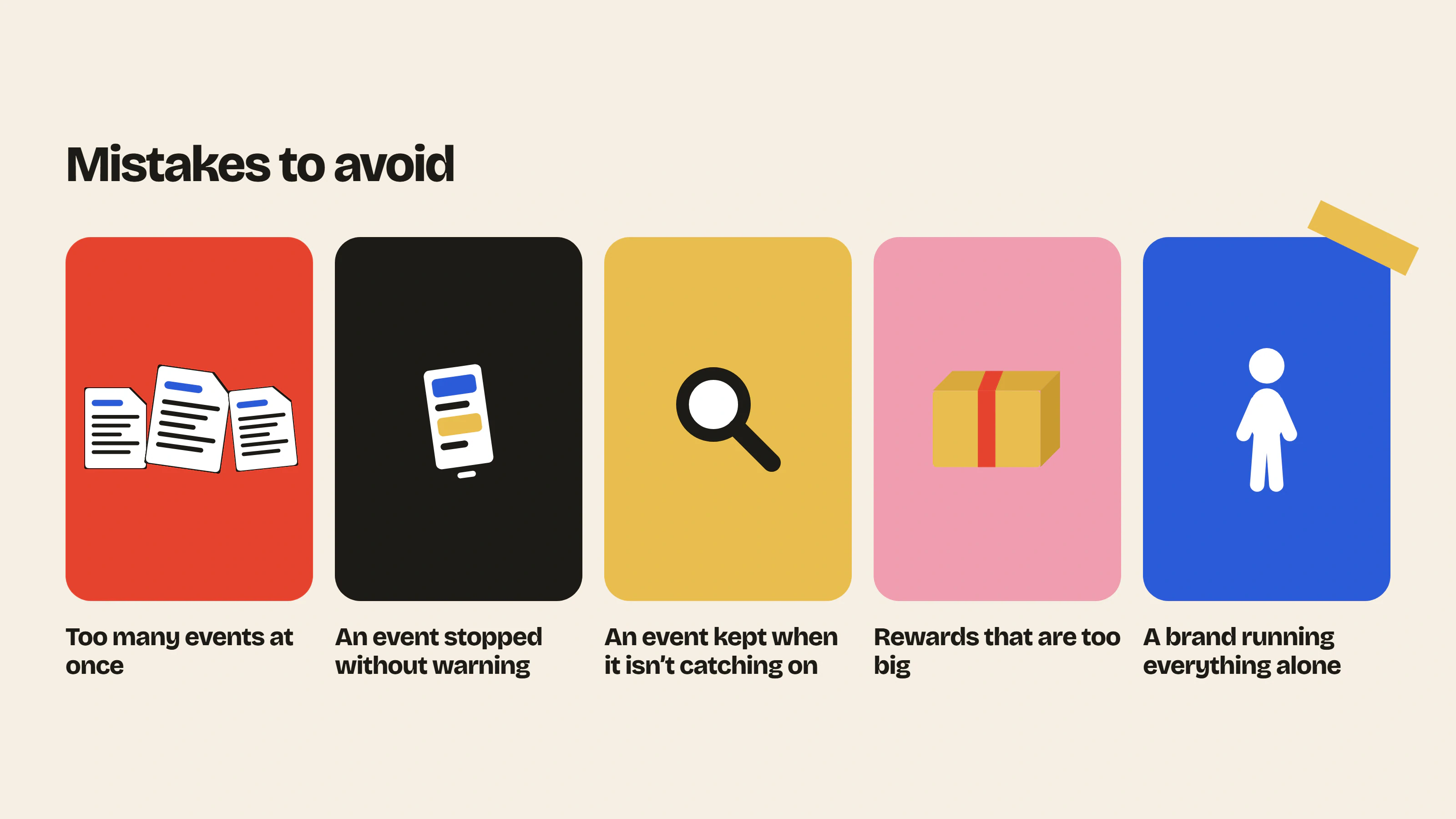
The first mistake is launching too many events at once. With one event a day in a forum of fifty members, each post gets two replies and the forum looks empty. Start with one or two, then add more once they are running well.
Stopping an event without warning also does a lot of damage. If Question Friday disappears for three weeks in August, members stop coming by on Fridays and you will have to start over in September. If you go on vacation, announce it in the post of the week with the date you will be back, or prepare your posts in advance.
On the other hand, don’t keep pushing an event that isn’t catching on. If it has almost no replies after two months, change the day or the format, or replace it. The simplest way is to ask your members with a poll which event they would like to have.
Be careful with big rewards too. A contest with a big prize attracts people who leave as soon as it is over. For your customers, a small voucher, a badge or their photo pinned at the top of the forum do the job very well.
And don’t keep running everything on your own. After a few months, hand an event over to an active member, for example the Wednesday photo to a customer who posts every week. We explain how to spot them in the section on ambassadors in our guide to building a brand community.
Measuring participation
Once a month, count for each event the number of replies and the number of different members who took part, then compare with the previous month. If an event gains a few participants every month, it is catching on, even if it stays small.
Also look in the app’s statistics at the number of active members for the month and the share of questions that get an answer. And for Question Friday, compare the number of emails your customer service received before and after you launched it.
What about Instagram, a Facebook group or Discord?
The events in this article also work outside a forum. On Instagram, Question Friday can take the form of a story with a question sticker and the Wednesday photo can become a hashtag your customers use to post. In a Facebook group or on Discord, each event can have its own post or channel. Discord also offers scheduled events for your live Q&A sessions.
The problem is finding the answers afterwards. A story disappears after 24 hours. In a Facebook group or on a Discord server, messages stay, but they are quickly buried under new ones and hard to find a few weeks later. On a forum installed in your store, every Question Friday stays online, your customers find it with the forum search and Google can index it. We compare these options in our article on Discord for a Shopify brand and in our comparison to choose an online community platform.
FAQ
How many events should you plan?
To start, one event a week and one a month are enough. Add another one when the first ones have found their audience, meaning when members post without you having to prompt them.
Which day should you choose for an event?
It depends on your customers. The simplest way is to check in your statistics which days your store and your forum get the most visits. In general, weekends work for hobbies and the start of the week for sports and goals.
What should you do if nobody takes part?
In the first weeks, it is normal to have few replies. Reply yourself, ask a few loyal customers to post and mention the event in your newsletter. If nothing is happening after two months, change the day or the format.
Should you reward participation?
It isn’t required, but a small reward helps at the start. A voucher for the photo of the month or a badge for the member of the month is enough. Avoid big prizes, which attract participants who don’t stay.
How much time does community engagement take each week?
For a simple event like the Wednesday photo, allow half an hour a week including replies to members. Plan a bit more in the month you prepare the monthly event. Question Friday takes one hour a week, the hour you spend answering.
Going further
To find more post topics, read our 5 types of content that keep an e-commerce community alive or use our post generator.
Insider Club adds a forum in your brand colors to your Shopify store, with everything you need for your events: pinned posts, polls, badges and email notifications. See the details on the features page or install the app from the Shopify App Store, with a 14-day free trial.
- Launch post generatorTen ready-to-publish first posts to launch your forum: title, text, category and format.Use the tool – Launch post generator
- Community previewPaste your store URL and see what your forum would look like, with your colors and your products.Use the tool – Community preview
 Install on Shopify